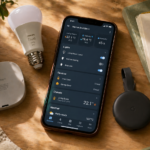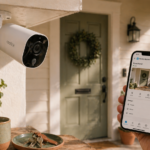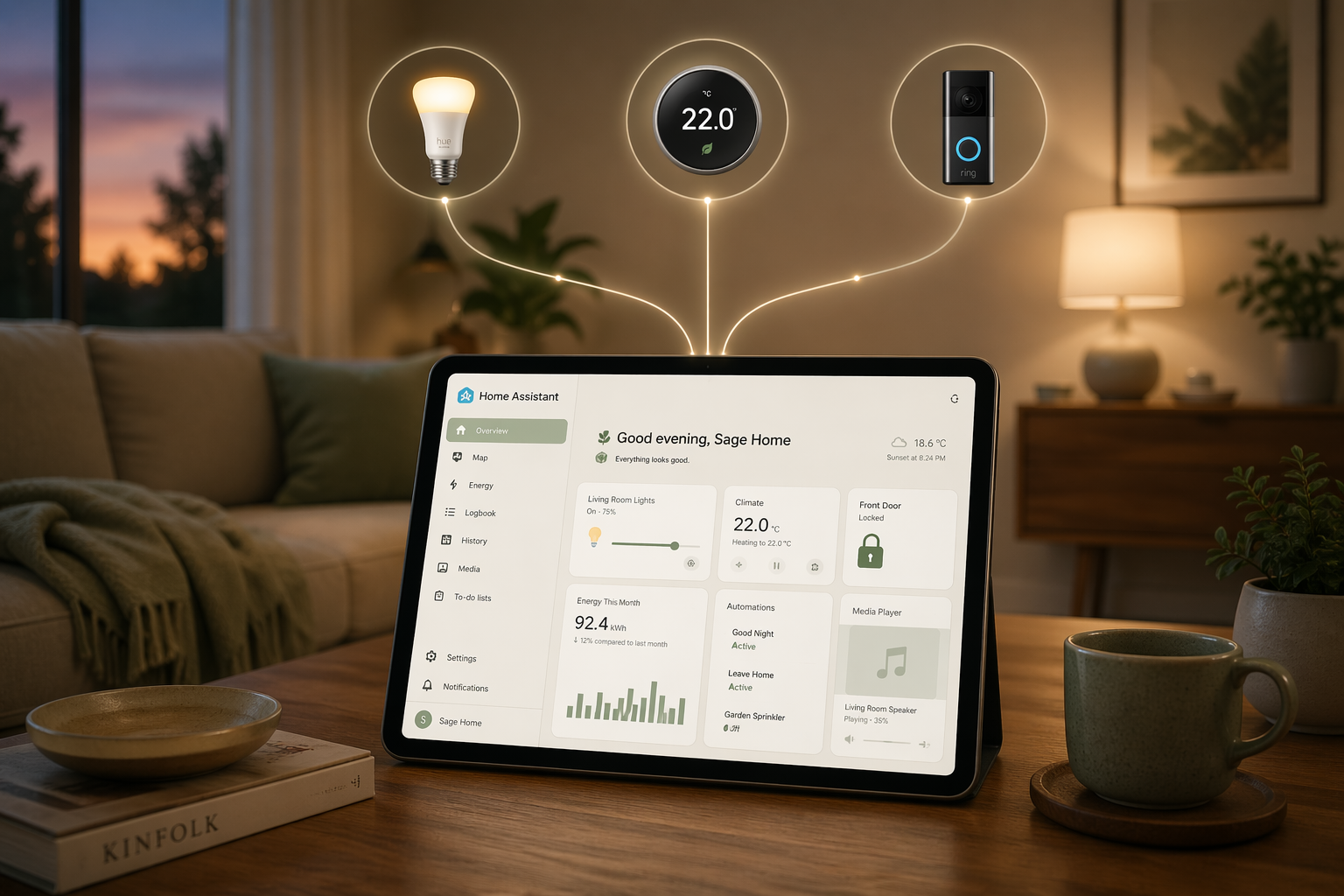
You bought a smart bulb at Target because it was $12. Then a smart plug, because the Christmas tree extension cord situation was getting embarrassing. A video doorbell. A thermostat your partner insisted on after one cold snap. Six apps later, none of them talk to each other, and you have to remember which one controls the kitchen lights at 11pm when you’re already in bed.
So what is Home Assistant, and why does everyone on Reddit think you need it?
This is a beginner’s guide to what Home Assistant actually is, what it can do, and whether it’s worth your time. No jargon dumps. No assumed Linux knowledge. If any of that opening sounded like your house, you’re exactly the person Home Assistant was built for.
The 30-second version
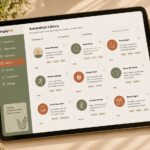
Home Assistant is free, open-source software that runs on a small computer in your house and acts as the brain for all your smart devices. Instead of opening the Hue app for lights, the Ring app for the doorbell, and the Ecobee app for the thermostat, you open one dashboard. Everything in one place.
More importantly, it lets your devices talk to each other. The doorbell can tell the lights to flash. The thermostat can listen to your phone’s location. Your morning routine can run itself.
That’s it. That’s the pitch.
Why people fall in love with it
The “one app for everything” thing is nice. The real magic is automation.
A few examples from real Home Assistant users:
When the last person leaves the house, lock the doors, turn off all the lights, lower the thermostat, and arm the security camera. Without anyone touching anything.
If a window opens while the AC is running, send a phone notification and pause the AC after five minutes.
When the laundry stops vibrating, send Mom a text. (Yes, people actually do this.)
These aren’t hypotheticals. They’re starter automations that take ten minutes to set up once you know your way around. And they keep working forever.
What makes it different from Alexa or Google Home
Three things, mainly.
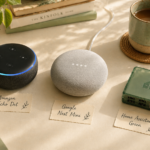
It runs locally. Alexa and Google process every command through the cloud, which means they need internet to work, and your motion sensor data, voice recordings, and camera feeds are making a quick stop at Amazon or Google on the way to turning on your kitchen light. Home Assistant skips all that. It runs on a little computer in your house. Your data stays on your network unless you choose to share it.
It works with almost everything. Most smart home platforms only play nice with brands that pay for compatibility. Home Assistant supports over 2,000 device brands, including ones the manufacturer abandoned years ago. That weird old Z-Wave switch? Probably works.
It does what you tell it. Alexa can do “Alexa, good morning.” Home Assistant can do “when my alarm goes off on a weekday and the sun is up and my partner is still home, slowly raise the bedroom lights over 10 minutes, start the coffee maker, and read me my calendar.” The ceiling is much higher.
The honest downsides
Anyone who tells you Home Assistant is plug and play is selling you something.
It takes a weekend to set up properly. The community is welcoming, but the official documentation still reads like it was written by engineers, for engineers. Occasionally something will break after an update and you’ll spend an hour figuring out why, usually at 10pm on a Sunday.
If you want a smart speaker you can yell at and never think about, Home Assistant is overkill. Stick with Alexa or Google. Nothing wrong with that.
If you’re willing to spend a few weekends learning, the payoff is a smart home that does exactly what you want, without paying a monthly subscription to some company that will absolutely raise the price next year.
Who Home Assistant is right for
You’ll probably love it if you:
Already own three or more smart home brands and want them in one place. Care about privacy and don’t love sending data to the cloud. Enjoy projects that take some setup but pay you back over time. Want to stop paying $5 a month for some app to talk to your own camera.
You should probably skip it if you:
Have one Echo and two smart bulbs and that’s working fine. Want zero learning curve. Get frustrated when tech doesn’t “just work” the first time.
Both answers are valid. The point of SimplyHA isn’t to convert everyone. It’s to help the people who would love it actually get there.
What you need to run it
You need a small computer for Home Assistant to live on. A few options:
Home Assistant Green ($99). The official starter device. Plug it in, connect it to your router, follow the setup wizard. This is the closest thing to a “smart home appliance” experience you’ll get.
Raspberry Pi 4 or 5 ($60 to $100, plus an SD card and case). The hobbyist favorite. Slightly more setup, more flexibility down the road.
An old computer or NAS ($0 if you have one). If you have a Mac mini in a drawer or a Synology NAS, Home Assistant can run on it. More work, but free.
We’ll do a full breakdown of these options in the next article. For now, just know: you don’t need a server rack in your basement. A device the size of a deck of cards is plenty.
What about the cloud?
Home Assistant has an optional paid service called Nabu Casa ($6.50 a month). It does two things: lets you access your dashboard from outside your home without setting up port forwarding or a VPN, and connects Home Assistant to Alexa and Google so you can control your stuff with voice.
Nabu Casa is worth the money, and every dollar goes back into developing Home Assistant. But it’s optional. Plenty of people run Home Assistant for free and love it.
So… should you do it?
If you got this far, probably yes.
Most people who try Home Assistant end up wishing they’d started sooner. Not because it’s easy, but because the result is so much better than what came before. The automations fade into the background. You stop thinking about lights. You stop opening six apps. Your house starts to feel like it’s actually working for you, instead of the other way around.
The hardest part is the first weekend. SimplyHA exists to make that first weekend less painful.
Skip the hardware research.
Answer four questions and we’ll recommend the exact hardware you should buy.
Take the hardware quiz →What to read next
If you’re sold and ready to start: Raspberry Pi vs. Home Assistant Green vs. Mini PC: which should you buy?
Ready for a step-by-step walk through? How to Install Home Assistant Without Losing Your Mind
If you want to see what it actually looks like: Your first 5 Home Assistant automations (that actually make life easier).
Welcome to the community. It’s a good one.