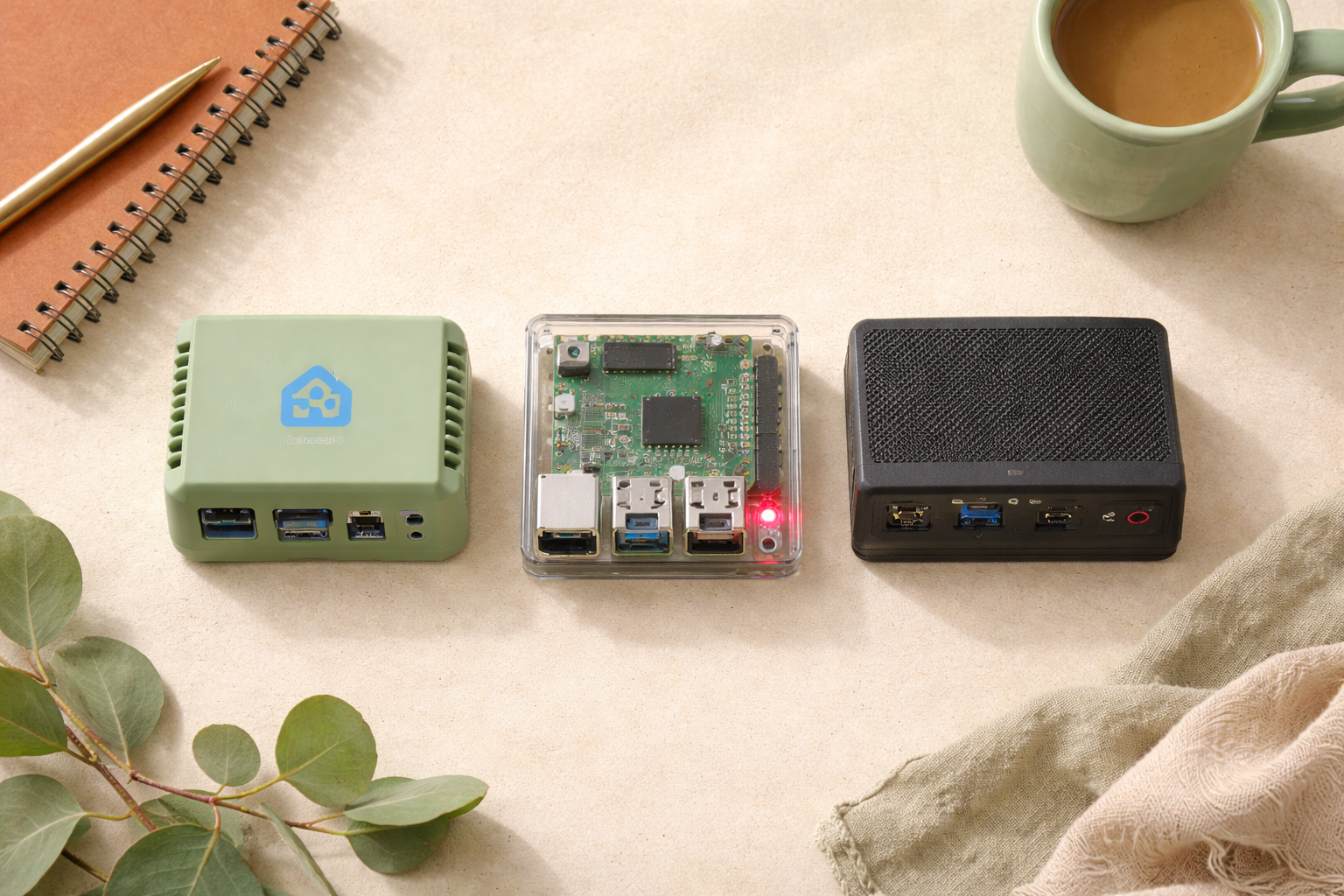
You’ve decided Home Assistant is the move. Great. Now you need a small computer to run it on. Ask Reddit and within four hours you’ll have 47 conflicting answers, three people calling you a fool for not buying a used Dell Optiplex, and one guy explaining at length why his rack-mounted server in the basement is “actually pretty quiet.”
Ignore them. Here’s a clear breakdown of the three options most beginners should consider, who each one is right for, and what the hidden costs actually are.
The 10-second answer
Want the least setup pain? Buy a Home Assistant Green. $99, plug and play.
Like tinkering or want flexibility down the road? Buy a Raspberry Pi 5 plus an SSD kit. $130 to $180 depending on what you get.
Want more power, or already have an old mini PC? Use it. Intel N100 mini PCs are $150 to $200 new, or free if one’s already in a drawer.
You cannot go badly wrong with any of these. Keep reading for the nuance.
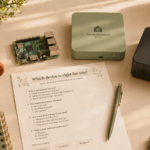
Not sure which path fits your situation?
Answer four quick questions and we’ll tell you honestly which of the three options above you should buy.
Take the 30-second quiz →How much computer do you actually need?
Not much.
A typical Home Assistant setup with 50 to 100 devices and a few automations uses 5 to 15 percent of a Raspberry Pi 4’s CPU. Home Assistant itself is lightweight. What eats resources is what you add on top: camera streams, voice assistants, local AI, media servers.
Most beginners don’t need any of that on day one. Start small.
Home Assistant Green
This is the official starter device from Nabu Casa, the company that funds Home Assistant development. It ships with Home Assistant pre-installed, includes a power supply and case, and comes with a 30-day return policy.
Pros: Absolutely the easiest start. Plug in ethernet, plug in power, follow a browser wizard. If something goes wrong, there’s a dedicated support team. Your money goes back into Home Assistant development.
Cons: Locked hardware. You can’t easily upgrade the storage or processor later. Slightly more expensive than a Raspberry Pi once you add it all up. Not great for heavy add-ons like Frigate (camera AI) or local voice assistants.
Who should buy it: Anyone who’d rather spend $99 than a weekend. People who don’t want to feel like they’re building a computer.
Raspberry Pi 4 or 5
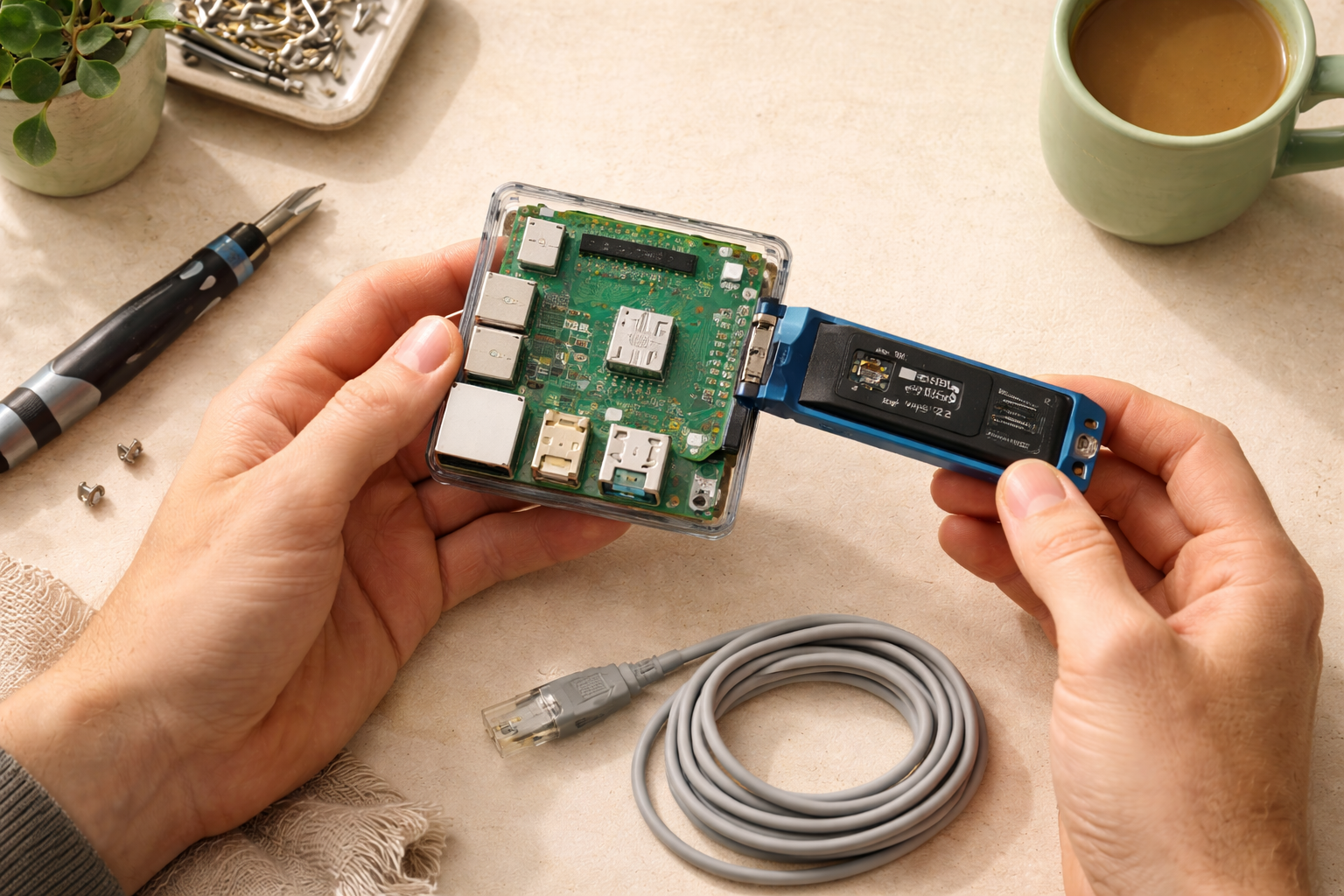
The hobbyist classic. A small board computer that runs off a micro SD card or, better, an SSD.
Pros: Flexible, tons of community tutorials written for it, easy to swap components, widely supported. The Pi 5 is meaningfully faster than the Pi 4 for the same price range.
Cons: You’ll buy pieces separately. SD cards are slow and die young, which you’ll learn about the hard way six months in when your entire smart home silently corrupts itself. Budget for an SSD adapter kit from the start. First-time setup is friendlier than it used to be but still requires flashing an image to a drive and some basic networking.
What it actually costs:
- Raspberry Pi 5 (4GB or 8GB): $60 to $80
- Official case with fan: $10
- Power supply: $12
- SSD kit (recommended over SD card): $35 to $60
- Total: $120 to $170
Who should buy it: People who enjoy the “building a little PC” experience, or who want the flexibility to repurpose the hardware later.
Mini PC (Intel N100, old NUC, Beelink, etc.)
An x86 mini PC, like a Beelink S12 Pro or an old Intel NUC, is the power-user favorite. They’re faster than a Pi, have better storage options, and often come with more RAM for the same price.
Pros: Significantly more headroom for add-ons. Better for running Frigate, AdGuard, Plex, local AI, and Home Assistant all at once. Used models are cheap on eBay.
Cons: Slightly more setup complexity. You’ll install Home Assistant OS via a bootable USB drive instead of a browser wizard. The physical device is larger than a Pi. Uses a bit more electricity (though still only a few dollars a year).
Who should buy it: People who already plan to run Frigate, Plex, a Minecraft server, or a local LLM. Or anyone who has an old mini PC in a closet doing nothing.
What about an old laptop or NAS?
Tempting, but think twice.
Laptops have batteries, fans, and screens that’ll eventually fail. You can use one, but plan to physically remove the battery after setup to prevent the fun surprise of a swollen, puffy laptop in a closet three years from now.
NAS devices (Synology, QNAP) can run Home Assistant in a container, but the integration is quirky and updates can break things. Fine if you already own one and are comfortable with Docker. Not recommended as your first HA host.
The decision matrix
If you just want it to work and don’t want to think about it: Home Assistant Green.
If you want to learn some tech and have flexibility: Raspberry Pi 5 with an SSD kit.
If you plan to run cameras with AI, media servers, or a lot of add-ons: Mini PC.
If you already have a mini PC sitting unused: Mini PC, no question.
If your only option is an old laptop: It’ll work, but plan to upgrade within a year.
What else you’ll need (regardless of what you buy)
- A wired ethernet connection. Wifi technically works. It is also the number one cause of “Home Assistant feels slow” posts on Reddit. Just run the cable.
- A USB Zigbee or Z-Wave stick if you want to control devices on those protocols (most beginners end up wanting this). About $30 to $50.
- A smartphone for the Home Assistant companion app.
That’s it. No other purchases required on day one.
What to read next
You’ve got the hardware sorted. Up next:
- How to install Home Assistant without losing your mind — the next step, step-by-step.
- Your first 5 Home Assistant automations — what to build once it’s running.
- What integrations should you add first? — the shortlist.
- Zigbee vs. Z-Wave vs. Matter vs. Wi-Fi — which smart devices to actually buy.
Any of these three hardware options will serve you well for years. The best one is the one you actually plug in this weekend.