You’ve installed Home Assistant. You’ve clicked through the onboarding wizard. You opened the Automations tab and found a mostly empty screen with a cheerful “+ Create Automation” button, and now you’re sitting there wondering what a person is supposed to do with this.
So. What are the home assistant automations for beginners that are actually worth building first?
You’ve come to the right place. This guide walks through five automations that are useful on day one, work with the cheap equipment you probably already own, and don’t require writing a single line of YAML. By the end of the afternoon, your house will do five things it didn’t do this morning.
The 30-second version
Start simple. Build these five automations, in this order: lights on at sunset, a “Good Night” scene, a laundry notification, lights off when the house empties, and a garage door reminder. Each one uses the visual automation editor. Each one takes under 15 minutes. Each one justifies the whole project the first time it fires.
A quick note on the word “automation”
If you’re coming from Alexa or Google Home, you’ve been told these things are called routines. They are not routines. A routine is a single trigger that fires a single list of actions, like pulling a rope. An automation can have multiple triggers, conditions that decide whether to fire at all, delays, branches, and actions that run based on what’s happening in the house right now.
That distinction is small until it isn’t. “Turn the lights on at sunset” is a routine. “Turn the lights on at sunset, but only if someone is home, and only if the front room isn’t already bright enough from daylight” is an automation. Home Assistant does the second one without breaking a sweat.
Now then. Let’s build.
Automation 1: Lights on at sunset, off at sunrise
The one that sells the whole system. Your house should not go dark at sunset while you’re staring at your laptop. Your house should notice and act.
In the Automations tab, click + Create Automation → Start with an empty automation. Give it a name like Evening Lights. For the trigger, pick Sun → Sunset → offset -10 minutes (turns on ten minutes before sunset, which reads more naturally to the eye). For the action, pick Light → Turn on → and select the lights you want in the evening. Save. Repeat the whole thing with a second automation using Sunrise and Turn off.
You’ve just solved the single most common smart-home complaint. It took four minutes.
Automation 2: The “Good Night” scene
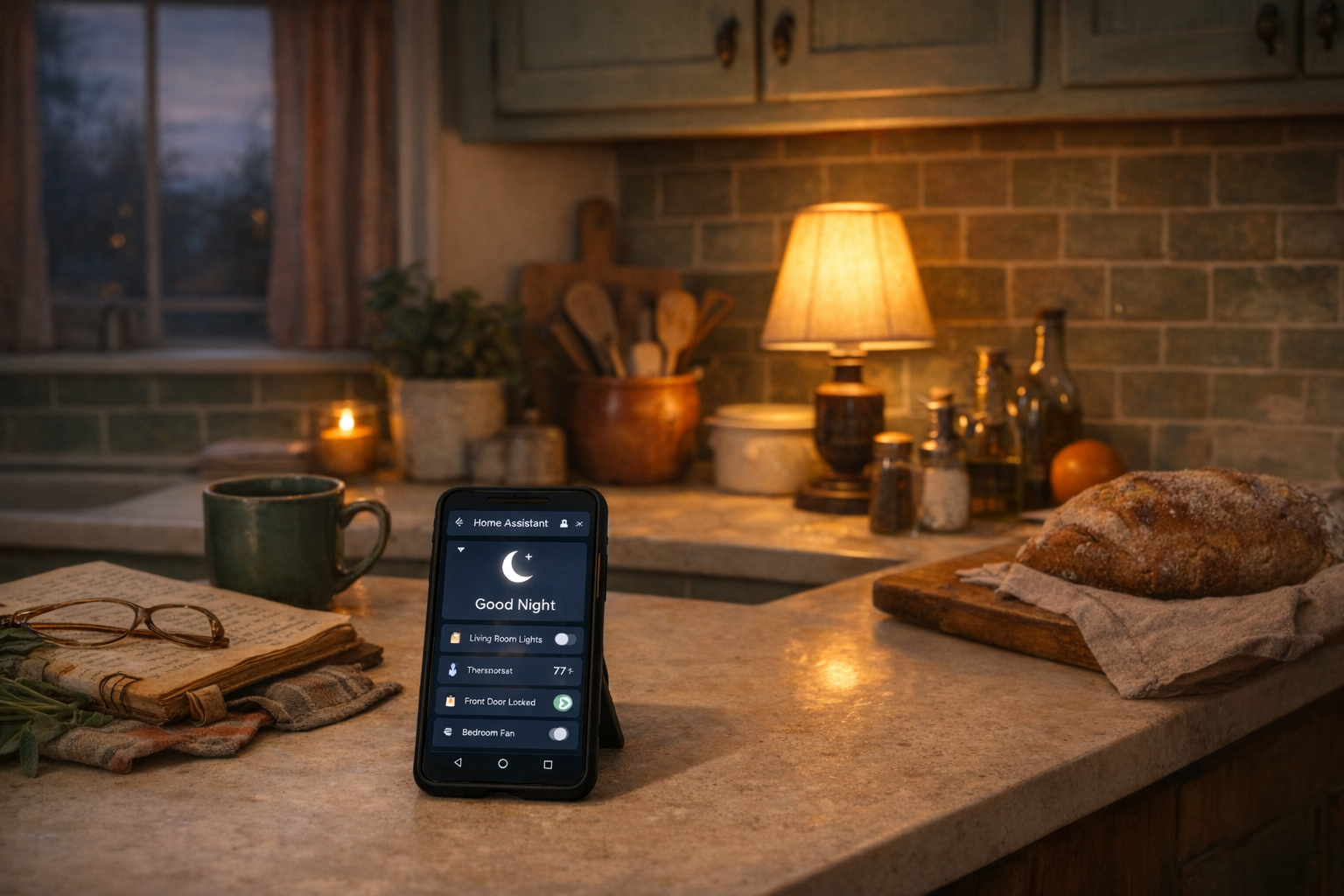
The one-tap (or one-sentence) automation that turns the house off. Lights off, locks locked, thermostat set back, maybe the porch light left on so the dog walker doesn’t break an ankle.
Build this as a script first, which is just a named list of actions. In the left sidebar, go to Settings → Automations & Scenes → Scripts → + Add Script. Name it Good Night. Add actions for each thing you want to happen: turn off these lights, lock this lock, set this thermostat to 65. Save.
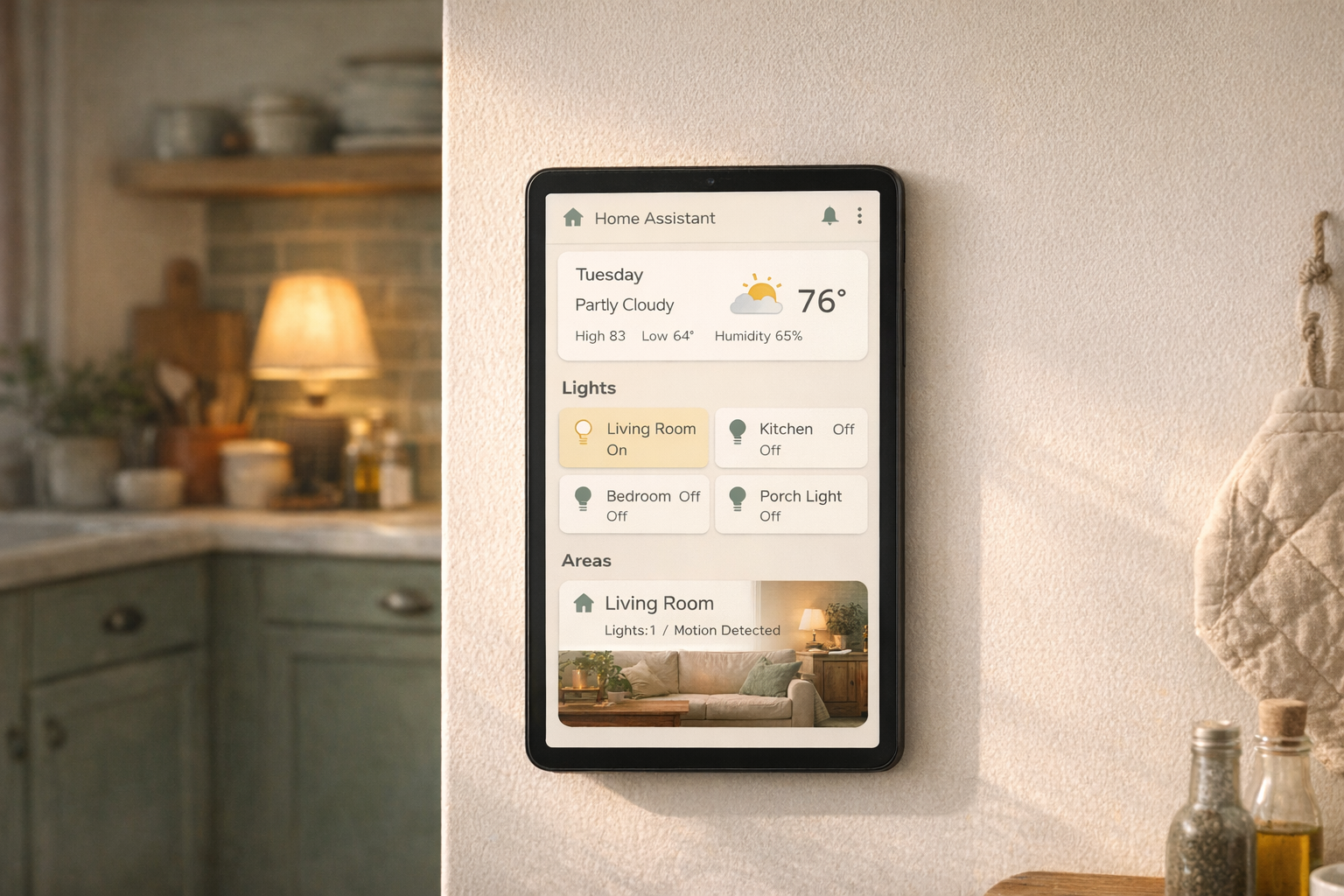
Now add a trigger. This is where you have options. You can add a dashboard button to your phone (easy), wire it to a physical button like an Aqara smart button (more satisfying), or tie it to a voice command through HA Voice or Alexa (fancier). Start with the dashboard button. You can upgrade to a physical one later.
One tap. Whole house ready for bed.
Automation 3: A laundry notification that actually works
If your washer is older than your dishwasher, it has no app. It probably has no sensor. What it does have is vibration.
Stick a cheap Zigbee vibration sensor on the side of the washer (Aqara makes a good one, around $18). Create an automation where Trigger: vibration stops for 3 minutes fires a Notification to your phone that says “Laundry’s done.” Do the same on the dryer.
This is the automation that makes non-techy housemates finally understand why you did this. A $30 problem, solved permanently, with a notification that doesn’t involve a subscription or a cloud account.
Automation 4: Lights off when the house empties
This one saves money and has a “how did we live without this” feeling after a week. But it’s also the one most likely to go wrong, so we keep it simple.
Trigger: Person → Everyone leaves home. Condition: Sun → Above horizon (don’t turn lights off during the day anyway, but this prevents a weird edge case where all the lights come on because you left at 3am). Action: Turn off → select your common-area lights (not bedrooms, not the hallway nightlight).
Two warnings. If your phone GPS gets flaky, so does this. And if a guest is at the house without their phone registered, they’re going to be in the dark when you leave. Start with just the living room and kitchen. Expand once you trust it.
Automation 5: A nag for the garage door
The one that has saved more relationships than marriage counseling.
You’ll need a door or tilt sensor on the garage door (around $15 for a Zigbee one). Trigger: Garage door sensor → Open for longer than 15 minutes. Action: Notification → “Garage door is still open.” Optional second action: have a Smart speaker announce it out loud so the person who left it open actually notices.
Boring, cheap, saves you from the fun surprise of a wide-open garage at 11pm in February.
We keep a running library of automation ideas.
Twenty-five real-world automations, filterable by room, device type, and difficulty. All free.
Browse the library →The honest downsides
These automations work until they don’t, and when they don’t, the house feels broken in a way that a non-smart house never does.
Wi-Fi bulbs drop off the network. Vibration sensors run out of battery. Phone presence detection gets confused when your provider swaps cell towers. The first time an automation misfires, you’ll curse the whole project. This is normal. Every HA user you respect has been there. The fix is almost always in the logs (Settings → System → Logs), and usually it’s a cheap part that needs replacing.
Also worth saying plainly: automations get addictive. You will build these five, then twelve, then forty. Your partner will find you at 11pm adjusting a thermostat curve. That, unfortunately, is how this hobby begins.
Who this is right for
If you’ve installed Home Assistant, have five minutes of curiosity, and want your house to start feeling like it’s on your side, these five are the right first move. You don’t need any coding. You don’t need a perfect plan. You just need to build one, watch it fire, and then build the next.
Who should wait
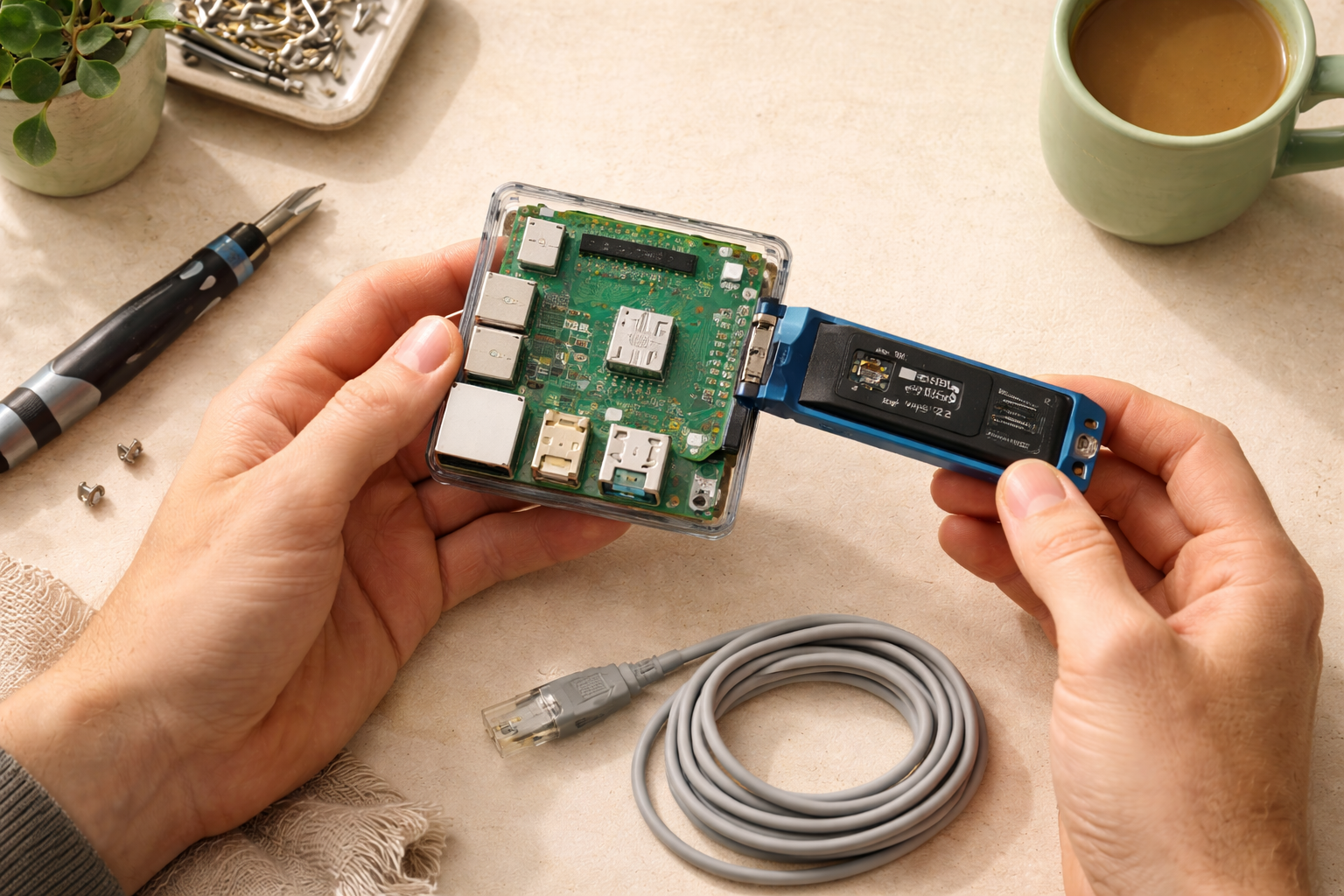
If you haven’t yet picked out hardware or finished the install, go do that first. These automations assume you already have Home Assistant running and at least a few smart bulbs or switches paired. If you’re still deciding, the hardware comparison and the install guide in “What to read next” are the right stops before this one.
Build the first one tonight. Tell someone about it tomorrow. That’s the whole game.
What to read next
- The Raspberry Pi vs Home Assistant Green decision — if you haven’t landed on hardware yet, start here.
- How to install Home Assistant — the step before this one, for anyone who skipped ahead.
- What integrations should you add first? — coming soon. The next logical question after your first automations start firing.