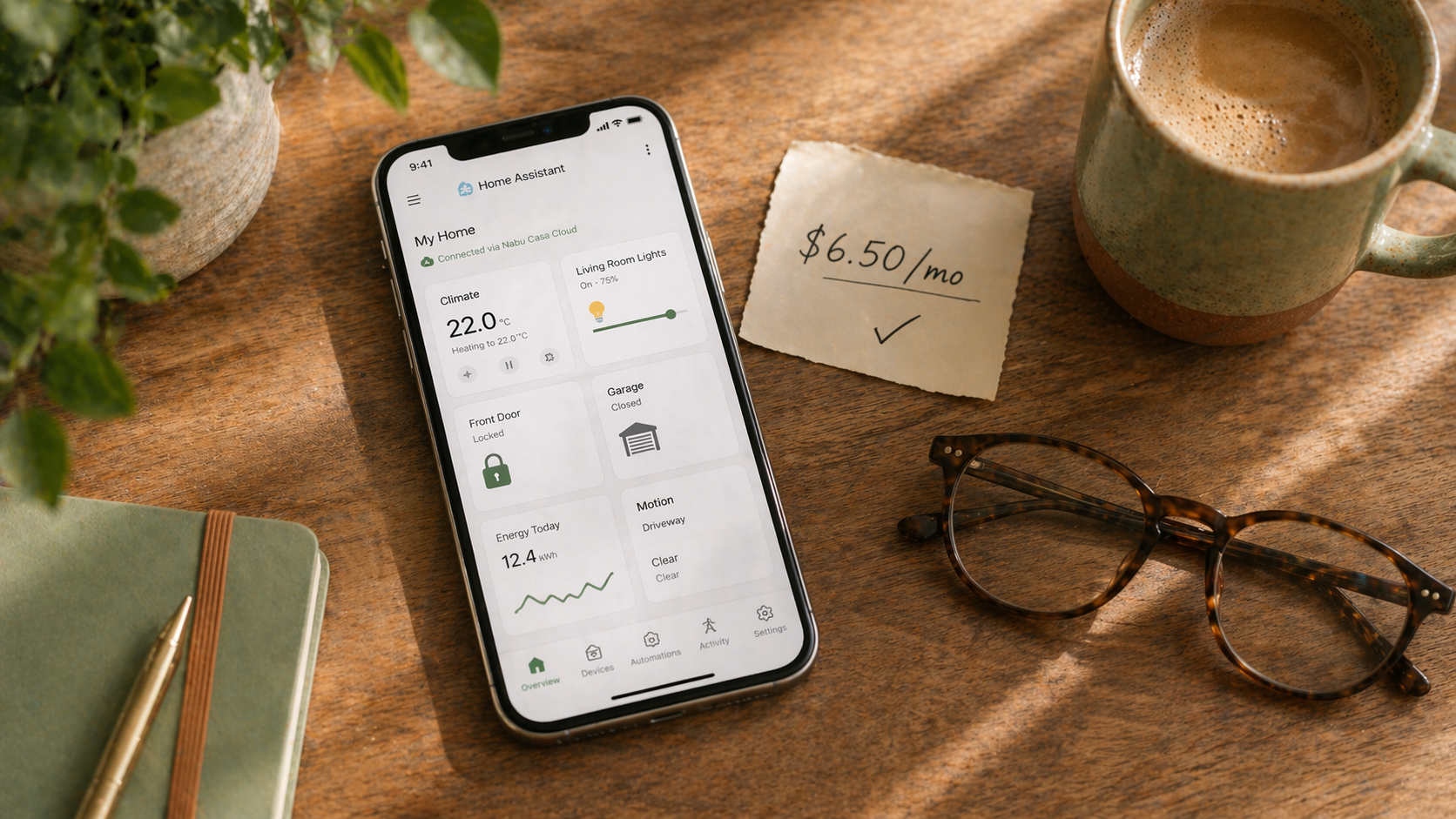
You finished your Home Assistant install. You’re proud. You open the getting-started guide and see a cheerful link: “Sign up for Home Assistant Cloud by Nabu Casa. $6.50 a month.” You squint. Isn’t this the whole point? The thing that was supposed to save you from monthly subscriptions? Why is the free, open-source smart home platform asking for $78 a year?
So. Is Nabu Casa worth it, and what does it actually do?
The honest short answer: for most people, yes. It’s the lowest-drama way to add remote access and voice integration, and it funds the people actually building Home Assistant. But it’s not mandatory, the free alternative is genuinely free (if you’re willing to put in an afternoon), and there are a few cases where skipping it makes perfect sense. This piece walks through what you’re buying, what you’re saving by skipping it, and how to decide.
The 30-second version
Nabu Casa is $6.50/month (or $65/year if you pay annually) and gives you three things: secure remote access to your Home Assistant dashboard from anywhere, a painless path to connect Alexa or Google Home for voice control, and cloud-based text-to-speech voices that sound better than the free local ones. You can do all of this for free, but the free path takes an afternoon of router config and yearly maintenance. Nabu Casa skips the setup entirely and funds Home Assistant development. For most people, it’s worth it. For tinkerers, the free path is there.
What Nabu Casa actually does
Three features. Each solves a real problem.
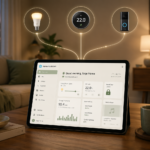
Remote access. By default, Home Assistant only works inside your home Wi-Fi network. The moment you leave, the app stops working. Nabu Casa gives you a secure encrypted tunnel, so your app keeps working from your phone on the road, at work, or on vacation. No port forwarding. No dynamic DNS. No SSL certificates to renew. It just works.
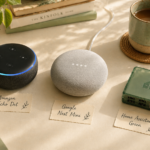
Alexa and Google Home integration. If you want to say “Alexa, turn off the living room lamp” and have it go through Home Assistant, Nabu Casa is the easiest way. The setup is: enable the skill in the Alexa app, link your Nabu Casa account, done. Without Nabu Casa, you can do this for free, but it involves registering as a developer, configuring Lambda functions on AWS, and re-verifying every few months.
Cloud TTS voices. When Home Assistant speaks, either through announcements on your speakers or through the Home Assistant Voice assistant, Nabu Casa gives you access to better-sounding cloud voices (Amazon Polly, Google Cloud). Local voices work too, they just sound more robotic.
That’s the whole product. It’s a focused set of convenience features, not a full cloud service.
The free alternative (and what it actually takes)
You can replace every Nabu Casa feature for free. Here’s what’s involved.
For remote access, the best free path is Tailscale or another WireGuard-based VPN. Tailscale has a free tier that covers up to 100 devices, and setting it up on your Home Assistant server and phone takes about 20 minutes. You’ll get secure remote access that’s arguably more private than Nabu Casa. The downside: your phone has to have Tailscale running to connect, which eats a little battery, and if Tailscale ever discontinues their free tier, you’re on your own.
The older free path is DuckDNS + Let’s Encrypt + port forwarding. It’s documented and works, but it involves opening a port on your router, which requires a little networking confidence, and Let’s Encrypt certificates need renewal handling. Tailscale is much easier in 2026.
For Alexa and Google integration without Nabu Casa, the free path exists but is a project. You have to create an Amazon Developer account, set up Lambda functions, configure OAuth, and renew tokens periodically. The Home Assistant docs cover it. It’s a solid weekend of work, and if anything changes on Amazon’s side, your setup can break overnight.
For TTS, every Home Assistant install comes with free local voices (via espeak or piper). Piper specifically has gotten very good. Many people use Piper and never notice they’re not paying for cloud voices.
Net: the free path works, but “free” costs you time and ongoing maintenance. Nabu Casa costs you money and costs you zero time.
What you’re really paying for
Here’s the part that doesn’t show up on the pricing page. Nabu Casa is the commercial arm of the Open Home Foundation, the nonprofit that now owns Home Assistant. Every dollar you pay goes to funding developers who work full-time on Home Assistant, Z-Wave JS, ESPHome, Music Assistant, and the rest of the open-home ecosystem you’re benefiting from for free.
This matters. A lot of open-source projects die when their maintainers burn out. Home Assistant is one of the rare ones with sustainable funding precisely because Nabu Casa subscriptions work. If you use Home Assistant and can afford $6.50/month, subscribing is a direct vote for the project continuing to exist.
That’s not a pitch. It’s what’s actually going on. You’re welcome to skip Nabu Casa entirely. Just know that the free software you’re running depends on people who are getting paid, somehow, to keep it alive.
The honest downsides
Nabu Casa has a few soft spots worth knowing about.
If your internet goes down at home, remote access stops working (that’s unavoidable, the same would be true of self-hosted alternatives). Voice integrations route through Amazon or Google’s servers, so they inherit those companies’ privacy practices, not Home Assistant’s stronger local-first stance. And $78/year is real money in a year where you might also be paying for Nabu Casa, a few cameras, a Zigbee stick, and some Zigbee devices.
None of these are dealbreakers. Just be clear-eyed about what the subscription is and isn’t.
Who should pay for Nabu Casa
You’ll almost certainly get your money’s worth if you want remote access and don’t want to set up Tailscale or a VPN, you have an Alexa or Google Home you want to keep using with Home Assistant, you believe in supporting the open source project, or you’re at the point in your setup where spending 8 hours on free alternatives feels more expensive than $78/year.
For most people, that’s most of the reasons, and the math works out easy.
Who should skip Nabu Casa
You’re probably fine without it if you only use Home Assistant inside your house and don’t need external access, or you’re comfortable with Tailscale and Piper and don’t use Alexa or Google, or you’re genuinely broke this month and the $6.50 is better spent elsewhere.
There’s no judgment. The project still benefits from your existence in the community whether you subscribe or not.
The annual trick
If you do subscribe, pay yearly. Nabu Casa charges $65/year for the annual plan vs. $78/year at $6.50/month, so you save $13 for the same thing. Plus you don’t have to think about it again for a year.
Who this is right for
If you’ve installed Home Assistant, added a few integrations, and you’re wondering whether to pull the trigger on Nabu Casa, the honest answer is: probably yes. Try it for a month. Cancel if you don’t feel the value. Most people don’t cancel.
Who should wait
If you haven’t installed Home Assistant yet, or you’ve installed it but haven’t built your first automations, wait. There’s no reason to pay for remote access to a dashboard you’re not yet using. Build a few things locally first. Figure out if you like this platform. Then decide whether $6.50 makes your life easier.
What to read next
- Home Assistant vs. Alexa vs. Google Home — the context for why the voice integration feature matters.
- What integrations should you add first? — the stage where Nabu Casa starts making sense.
- Your first 5 Home Assistant automations — what you’ll actually be remote-accessing once you have a Cloud subscription.