Three years ago you bought a Ring doorbell for $100. Felt like a deal. Then Ring Basic was $3 a month. Then it was $4. Then Ring Protect Plus showed up at $10 a month. The next tier is $20 a month and they quietly removed shared users from the free tier. You’re now paying $240 a year to look at your own front porch from your own phone, and the subscription is still creeping up.
So. How do you replace your Ring subscription with Home Assistant, and what does that actually cost?
The short honest answer: you can ditch the subscription completely, keep most of what you liked about Ring, and own your data. But it’s not a “click here and cancel” swap. It’s a small project, one weekend of setup, and a modest hardware investment that pays for itself in under a year. This guide walks through what’s involved, what you gain, what you lose, and who should actually bother.
The 30-second version
To fully replace Ring: buy one or two local cameras (Reolink or Amcrest, ~$60 each), run Frigate as a Home Assistant add-on for object detection, and use Home Assistant for recording, notifications, and automations. Total one-time cost: $150-$300 depending on how many cameras. Ongoing cost: $0. If you still want cloud backup, any $3/month cloud storage works. You’ll lose Ring’s dead-simple app UX and gain total ownership, better notifications, and no subscription creep.
What your Ring subscription actually gets you
Before ripping and replacing, know what you’re replacing. Ring’s $10/month “Protect Plus” tier includes: 60 days of cloud-stored video history, rich motion notifications (person, package, vehicle), extended warranty on the devices, and professional monitoring options (that’s the $20/month tier).
What’s NOT included: live viewing of your camera. That’s free. So if you don’t care about history or rich notifications, you don’t even need a subscription. A lot of people pay for Protect just for the motion-sorted events and the 60-day video archive.
The switch to Home Assistant replaces the paid features, plus adds things Ring doesn’t offer (like automation triggers off camera events, which Ring explicitly doesn’t support).
The three paths
Decide which you want before spending money.
Option A: Keep Ring, dump the sub. Ring cameras work without the subscription. You just lose history and rich notifications. In Home Assistant, the Ring integration pulls live view and motion events into your dashboard. Simple, no new hardware, but you still have cloud dependency and Ring could remove local access at any time (they’ve threatened it twice already).
Option B: Keep Ring hardware, add a parallel local camera. Install one Reolink doorbell or camera at a new location, run that one through Home Assistant + Frigate, and let your old Ring age out. Good middle path if you’re not ready to remove working hardware.
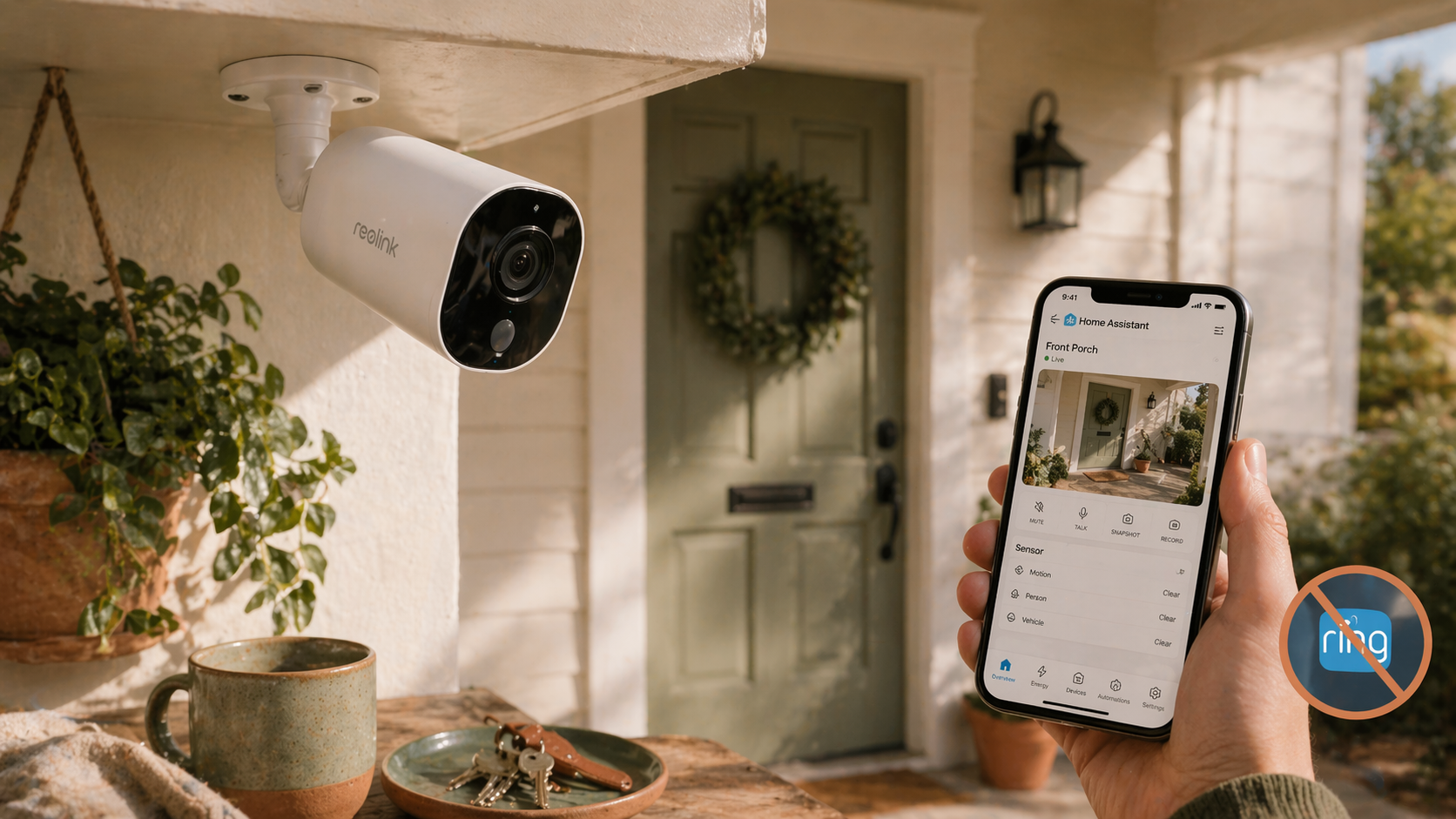
Option C: Full replacement. Uninstall Ring, replace with Reolink or Amcrest cameras, run everything through Frigate and Home Assistant. Most work up front, cheapest long-term, and gives you complete control.
Option C is what this guide covers in detail. The others are fallback positions.
What you’ll need
Hardware
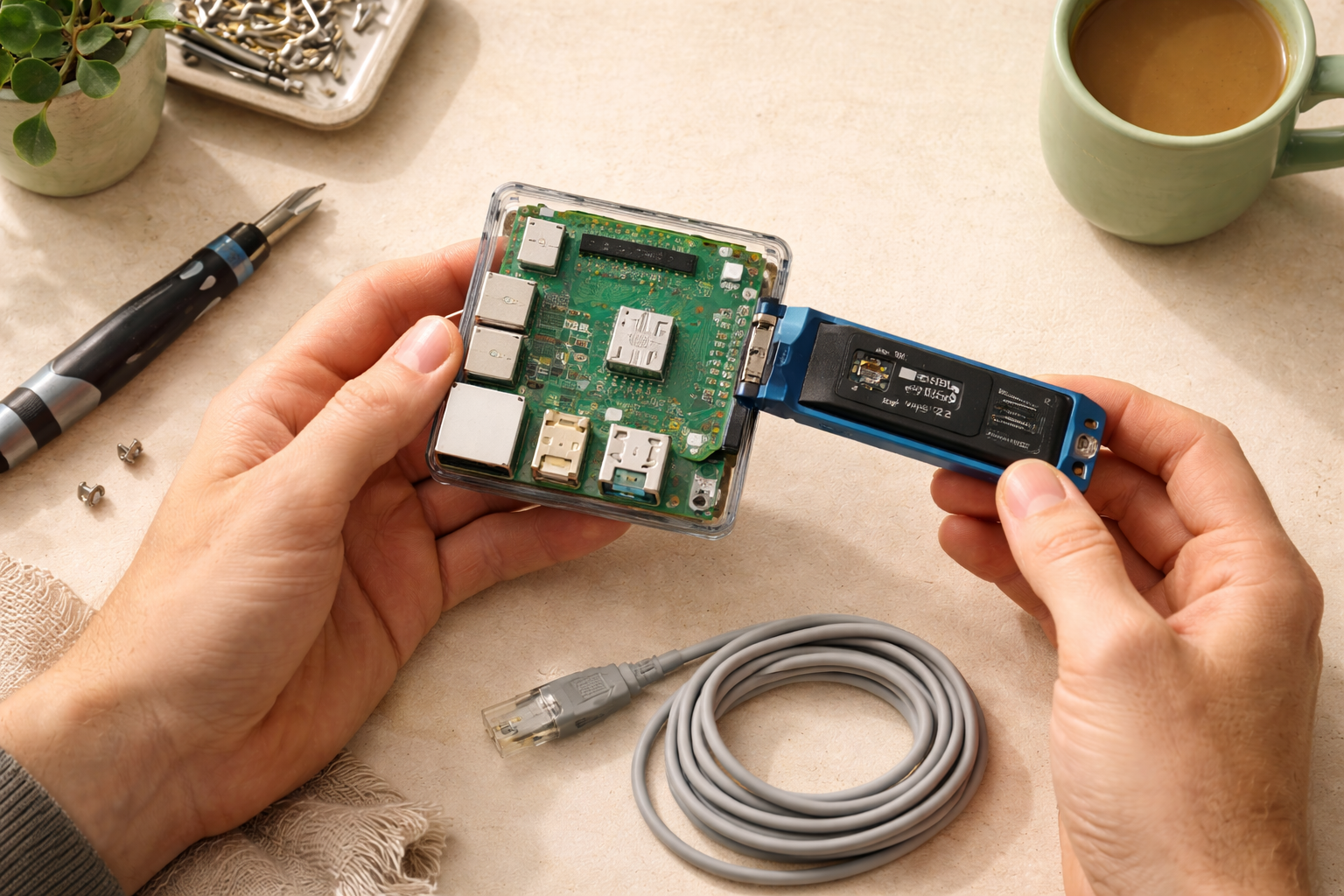
- A Home Assistant install on decent hardware. A Raspberry Pi 5 will handle one camera. For two or more cameras with object detection, use a mini PC with an Intel N100 or better, or add a Google Coral USB accelerator ($60) to any HA server.
- One to four IP cameras. Recommended brands: Reolink (great quality, good Home Assistant support, ~$60-$120 per camera) or Amcrest (slightly cheaper, very solid for indoor use).
- A Reolink doorbell if you want to replace the Ring doorbell specifically. The Reolink Video Doorbell PoE is ~$100 and has full local access.
- PoE switch or injector ($30-$60) if you’re going the wired-PoE camera route, which is more reliable than Wi-Fi.
- A hard drive for local storage (an external USB drive works fine for starting out, ~$60 for a 2TB).
Software, all free
- Frigate (add-on inside Home Assistant). Runs object detection on camera feeds, so you get real “person,” “package,” or “vehicle” notifications, not just “motion detected.”
- Home Assistant core.
- MQTT broker (another HA add-on, required by Frigate).
Total one-time cost for a two-camera setup: around $250-$300. Against $240/year Ring Protect Plus, you break even in year one and save ~$240 every year after.
The setup (high-level)
The full walkthrough is a guide of its own, but the shape of it is:
- Install Home Assistant (see the install guide).
- Mount cameras and connect them to your network.
- Install the Mosquitto MQTT broker add-on.
- Install the Frigate add-on. Point it at your cameras via RTSP URLs (each camera brand has docs on how to get these).
- Install the Frigate Home Assistant integration.
- Cameras appear in Home Assistant with object-detection events. You can build automations that trigger on them, get rich mobile notifications, and view live feeds from your dashboard.
Plan a weekend. First camera takes the longest. Adding a second or third is quick once you’ve done it once.
What you gain
Here’s what gets better after the switch. You own every frame of video. Nothing ever leaves your network unless you choose to share it. Notifications are richer: “Person detected at Front Porch at 7:32pm” instead of “Motion at your Front Door Cam.” Automations that Ring simply doesn’t support: turn on the porch light when a person is detected after dark, announce “someone is at the front door” on every Echo and Google Home in the house, unlock the front door if your partner’s phone and face are both recognized (yes, this works). No monthly bill. No price hikes. No “we changed the terms of service” emails. If Reolink or Amcrest goes out of business tomorrow, your cameras still record to your local storage because everything runs locally.
What you lose
Ring has one genuine advantage: the app experience is polished, and for many users, that’s worth real money. Home Assistant’s mobile app is good and getting better, but Ring’s is more intuitive for a non-technical household member who just wants to see who rang the doorbell. The initial setup is also a project. If “I just want it to work” is your whole philosophy, Ring is still the easier path, even at $240/year.
The honest downsides
Object detection eats CPU. A Raspberry Pi 4 can just barely keep up with one camera. Two cameras on a Pi 4 is rough. If you want four cameras, plan to run HA on a mini PC or add the Coral accelerator. That’s real money and a real project.
Setup the first time is slow. Expect to spend 4-8 hours between unboxing cameras, mounting them, running cables (or dealing with Wi-Fi reliability), and configuring Frigate. Budget a full Saturday and maybe part of Sunday.
And if your family is used to the Ring app, there’s a training curve. The Home Assistant Companion app is great, but it’s not pre-configured. You’ll spend 30 minutes teaching each family member how to check a feed.
Who this is right for
If you already have Home Assistant running, you’re paying Ring $10+ a month, and the idea of owning your own security setup feels good, this is the project for you. Payoff is fast and the ongoing savings are real.
Who should stick with Ring
If you don’t already have Home Assistant, if you only have one camera and the $240/year isn’t a pain point, or if your household prioritizes “just works” over ownership, keep Ring. Nobody’s shaming you for paying for convenience. Pay Ring $120/year for the Basic tier (30 days of history, one device) and you’re still fine.
What to read next
- What integrations should you add first? — get a solid integration base first if you haven’t.
- Your first 5 Home Assistant automations — the things you’ll want your camera events to trigger.
- Zigbee vs. Z-Wave vs. Matter vs. Wi-Fi — cameras are one of the few cases where Wi-Fi (or PoE) genuinely makes sense over mesh protocols.