You’ve spent an hour on Reddit. Alexa people are defending Alexa. Google people are defending Google. Home Assistant people are telling everyone else they’re doing smart homes wrong. Every thread ends with someone saying “just use X,” and every thread has someone else saying “X is a joke.” You came in wanting a smart home. You left with a headache.
So. Home Assistant vs. Alexa vs. Google Home. Which one do you actually need?
Here’s the twist the forum arguments miss: for most people, this isn’t an either-or question. Alexa and Google Home are good at voice. Home Assistant is good at everything else. You can run all three together, and a lot of happy smart home owners do exactly that. This guide walks through what each platform is actually good at, where each falls short, and how to decide which ones belong in your house.
The 30-second version
Alexa wins at voice. Google wins at answering random questions. Home Assistant wins at automations, privacy, and device support. Nothing stops you from running Home Assistant alongside Alexa or Google, and that’s the setup most seasoned smart home people end up with. If you can only pick one, pick based on your priority: easy voice (Alexa), easy voice with better answers (Google), or deep control and local privacy (Home Assistant).
What each one actually is
These aren’t three versions of the same thing, which is why the arguments get weird.
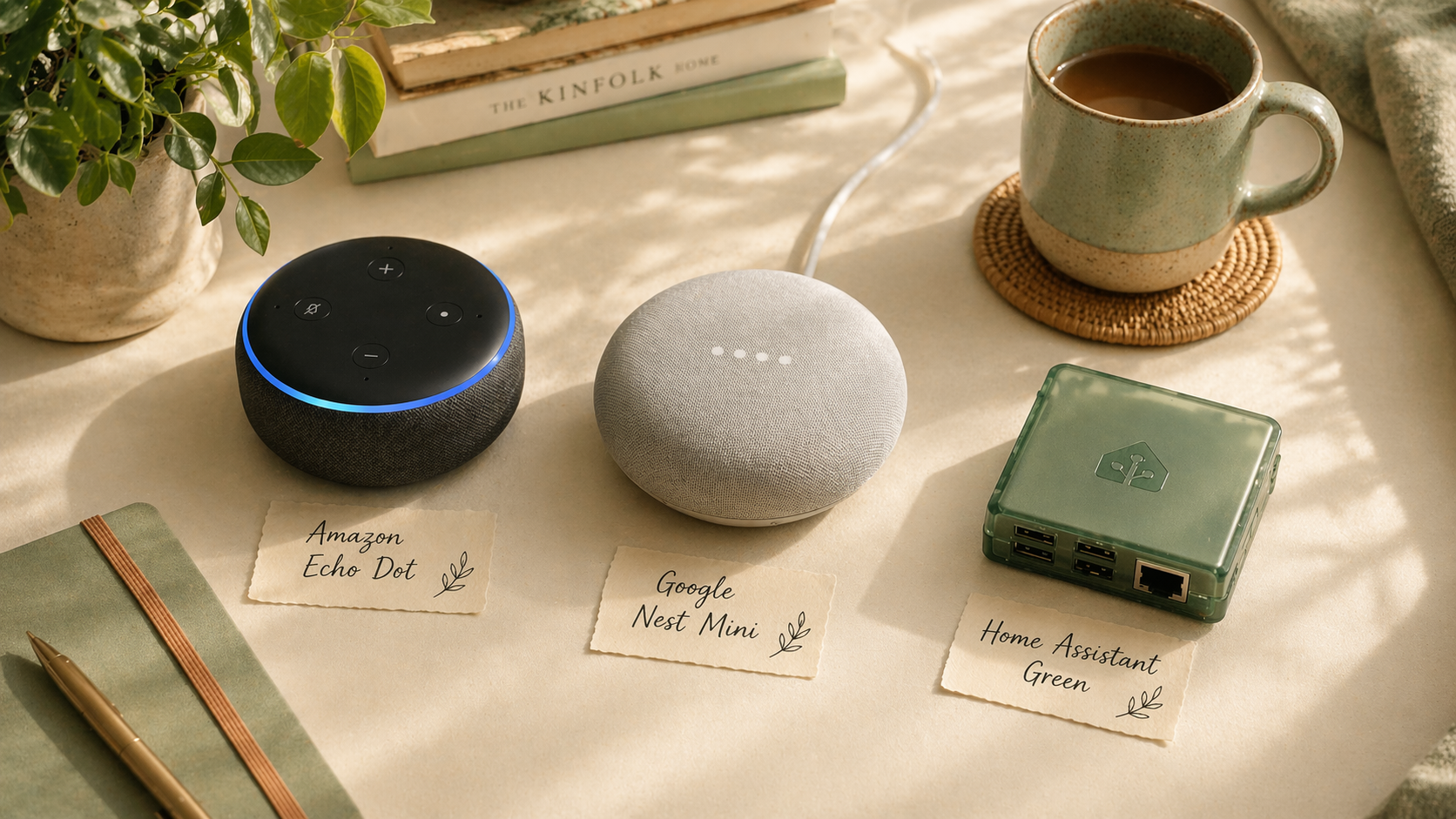
Alexa is an Amazon cloud service that lives on Echo devices. It’s a voice assistant first. Smart home control was bolted on later. When you say “Alexa, turn off the kitchen light,” your voice goes to Amazon’s servers, Amazon figures out what you meant, and Amazon tells your light to turn off.
Google Home is Google’s version of the same pattern. It lives on Nest speakers, Nest Hub displays, Chromecasts, and most Android phones. It’s also cloud-based. It tends to give better answers to general questions because, well, Google.
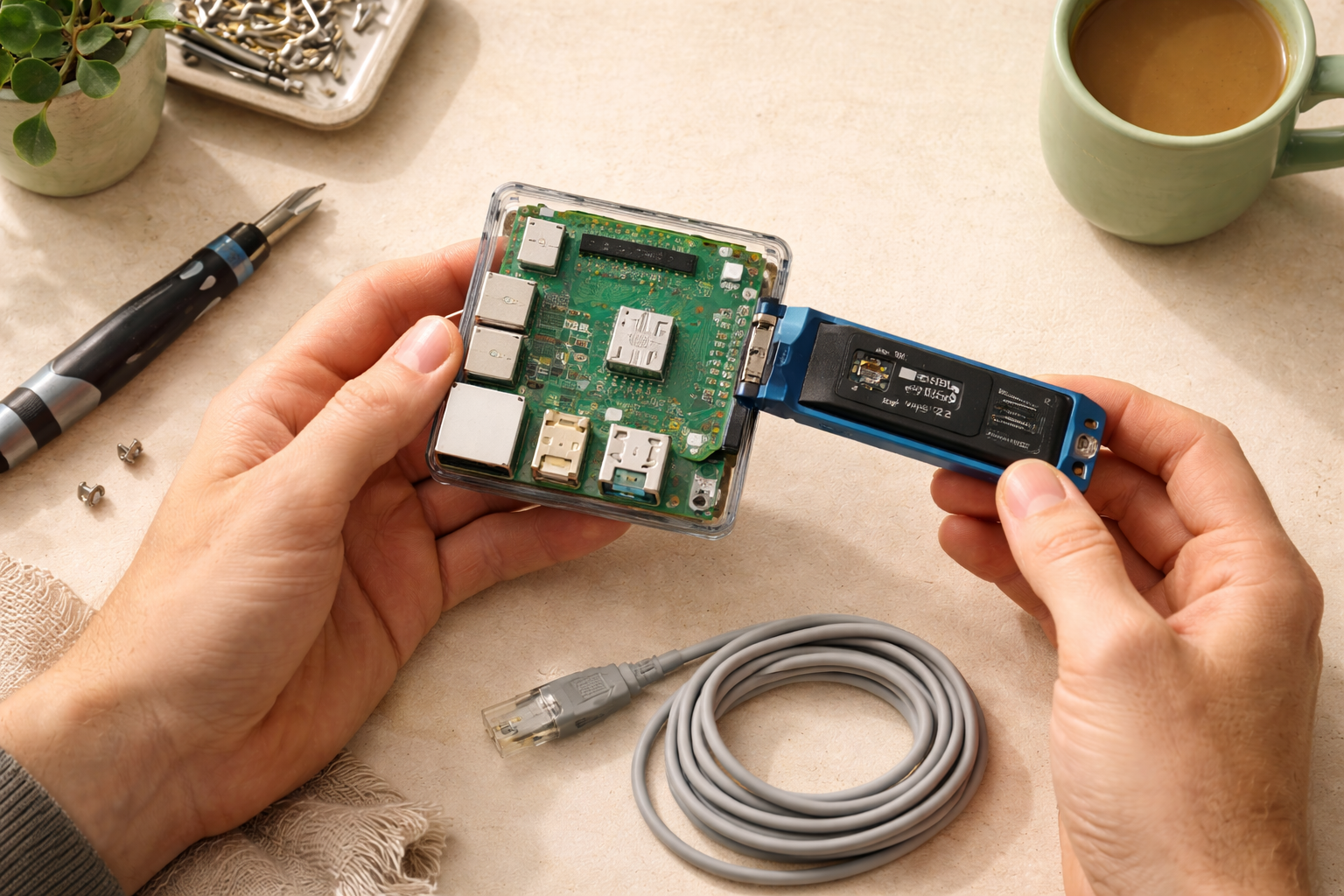
Home Assistant is a piece of software that runs on a small computer in your house and directly controls your smart devices over your local network. It’s not primarily a voice assistant, though it has one (Home Assistant Voice Preview Edition, which is improving fast). It’s the “brain” layer. Voice is a feature you can add.
Alexa and Google are products you buy into. Home Assistant is a platform you build on.
Alexa: strengths and limits
What Alexa does well: voice recognition. It’s been at this the longest, and the wake word is the most reliable of the three, especially across a noisy room. Echo devices are cheap (Echo Dot is $35-$50 on sale). Adding a new device to your Alexa setup is usually a one-tap process in the Alexa app.
Where Alexa falls short: automations are limited and often clunky. Alexa Routines support simple “when X, do Y” logic, but conditions, loops, and timing get awkward fast. Alexa can also randomly forget devices after firmware updates. And everything runs through Amazon’s servers, which means ads creeping into voice responses over time, plus privacy concerns if those matter to you.
Best at: playing music, setting timers, “turn X on/off,” shopping lists, broadcast announcements to other Echoes in the house.
Google Home: strengths and limits
What Google does well: answering questions. Ask Alexa a complicated factual question and you’ll often get a shrug. Ask Google Home and you usually get a real answer pulled from Google’s search index. The Nest Hub displays are also genuinely useful for kitchen recipes, video calls, and a glance at your day.
Where Google falls short: automations are also limited, though Google has been slowly improving its Routines. Device support has gotten better but is still thinner than Alexa’s. Google also has a habit of deprecating products (RIP Works with Nest, partial abandonment of the Nest Secure line), which makes long-term investment uncomfortable.
Best at: answering questions, casting audio and video, kitchen timers that show on a screen, tight Google ecosystem integration (Calendar, Gmail, Maps, Photos).
Home Assistant: strengths and limits
What Home Assistant does well: automations with real logic. Multiple triggers, complex conditions, branching, dashboards, local processing, fine-grained privacy. It also supports over 2,000 device brands, including older stuff that Alexa and Google have long since abandoned.
Where Home Assistant falls short: voice is its weakest area. Home Assistant Voice Preview Edition is a real product now and it’s getting better every release, but out of the box it’s not as quick, conversational, or forgiving as Alexa. Setup also has a learning curve. Nothing awful, but more than “plug in the speaker and say the wake word.”
Best at: “when the motion sensor triggers between 11pm and 6am, turn on the hall light at 20% but only if nobody’s awake yet.” Everything conditional and stateful. Privacy (your data stays in your house). Control over how things work.
The “do I have to pick one?” question
No. You don’t.
A common and genuinely good setup looks like this: keep the Alexa or Google you already own for voice commands. Install Home Assistant and connect your devices there. Use the Alexa or Google integration so your voice assistant can still say “turn off the kitchen light” and have it fire through Home Assistant. Build your automations in Home Assistant. Let the voice assistant keep doing what it’s good at.
You get the best of all worlds. Voice quality from the mature platform, automation depth from Home Assistant, and no pressure to abandon hardware you’ve already paid for.
The one tax: connecting Alexa or Google to Home Assistant for voice control typically wants a Home Assistant Cloud subscription ($6.50/month) for the easiest path. There’s a free route, but it requires more setup. Most people conclude the $78/year is worth the saved time.
Decision matrix
If you only pick one today, here’s the shortcut.
Pick Alexa if: you want cheap smart speakers, voice is your top priority, and you’re okay with cloud dependency. You care more about “it works” than “it works my way.”
Pick Google Home if: you already live in Google’s ecosystem (Gmail, Calendar, Android), you want good general-question answers, and you’re willing to ride Google’s occasional product pivots.
Pick Home Assistant if: you want automations that feel like actual engineering, you care about privacy, you have (or don’t mind buying) a small piece of hardware to run it on, and you’re okay with voice being “good enough, not great.”
Run two of them if: you’re a normal person. Keep your voice assistant. Add Home Assistant. Everybody wins.
The honest downsides of each
Alexa: ads are creeping into voice responses, quality has slowly declined over the last three years, and “Alexa, where is my order” is increasingly the highest-value use case.
Google: a habit of deprecating products or features, sometimes with little warning. Nest Secure users are still mad. Don’t put all your eggs in any one Google basket.
Home Assistant: the first weekend will include some frustration. A device that doesn’t pair on the first try. A YAML error you didn’t expect. A forum post that’s six years old and half-right. The payoff is worth it, but pretending otherwise would be dishonest.
Who this is right for
If you’re weighing platforms right now, the honest move is: install Home Assistant on a cheap piece of hardware, keep the Alexa or Google you already own, and run them together. You’ll end up with a smart home that’s genuinely responsive to your actual life. Six months from now, you’ll wonder how you ever thought of this as an either-or.
Who should wait
If you haven’t bought any smart home hardware yet and you only want to control three or four devices with your voice, pick Alexa or Google and skip Home Assistant entirely. Home Assistant is for people who want to go deeper. If you don’t want to go deeper, it’s overkill.
Start where you are. Pick what fits. Nobody is grading you on platform purity.
What to read next
- What is Home Assistant? (And do you actually need it?) — the primer, if you’re still warming up to the Home Assistant side of this comparison.
- What integrations should you add first? — includes adding your existing Alexa or Google Home to Home Assistant.
- Your first 5 Home Assistant automations — the thing Home Assistant does that Alexa and Google can’t.