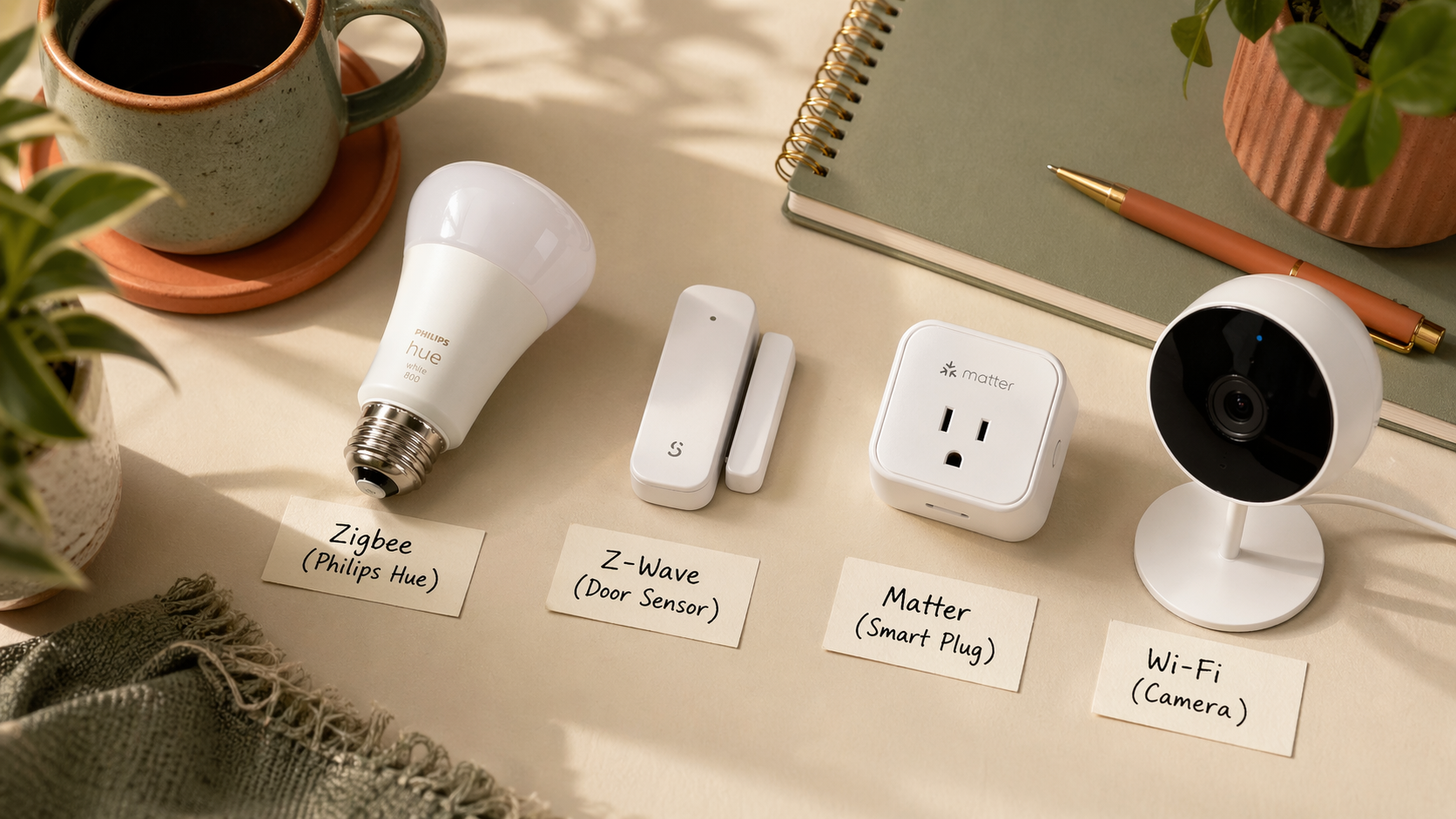
You’re standing in the smart bulb aisle at Home Depot holding two boxes that look almost identical. One says “Works with Alexa.” The other says “Matter compatible.” A third, tucked behind them, says “Zigbee 3.0.” You came in to buy a four-pack of bulbs. You leave with nothing, because everyone online seems to disagree about which protocol you should even be using.
So. Zigbee vs. Z-Wave vs. Matter vs. Wi-Fi. Which one should you actually buy?
The real answer is shorter than the forum flame wars suggest. For most people buying their first smart devices for Home Assistant, Zigbee is the right default. The other three matter in specific situations, which this guide lays out plainly. No religious debates. No protocol tribalism. Just what to put in your cart.
The 30-second version
Buy Zigbee. It’s the most mature, the cheapest, has the widest device library, works fully locally, and plays beautifully with Home Assistant. Add Z-Wave only if a specific device you need is Z-Wave-only. Add Matter if you want the same device to work with both Home Assistant and another ecosystem (Apple Home, Alexa, Google). Avoid Wi-Fi devices as a default, even though they seem simplest.
What is a “protocol,” in plain English?
A protocol is the language smart devices use to talk to your hub. Same idea as Bluetooth vs. Wi-Fi for headphones. It’s the underlying radio standard, invisible to you once it’s set up, but it decides what you can buy, how reliable it is, and how much control you have.
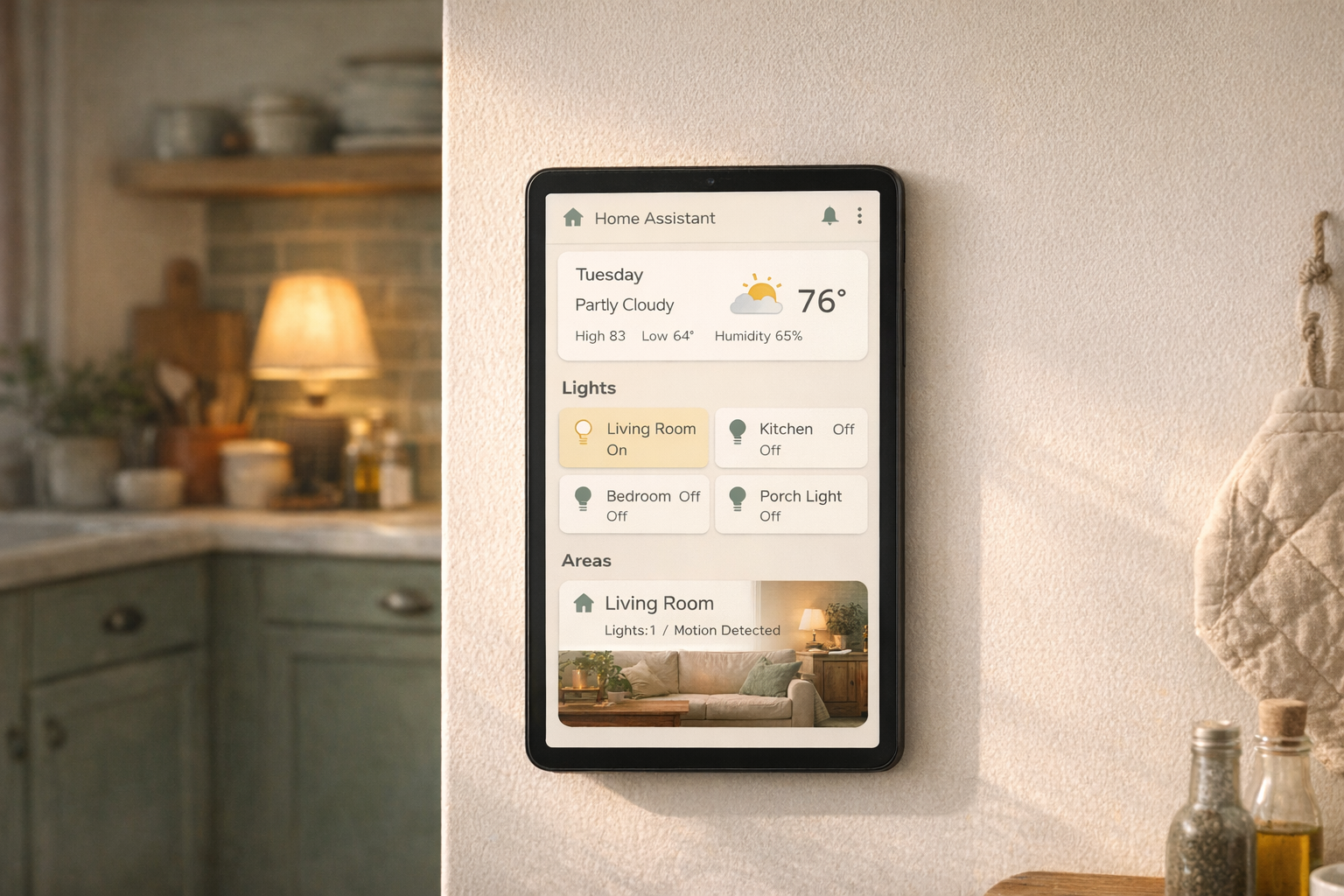
Home Assistant doesn’t care which protocol you pick. It speaks all of them. Your wallet and your nerves care quite a bit.
Zigbee: the default answer
Zigbee is a low-power mesh protocol. Each Zigbee device relays messages for every other Zigbee device, so your lamp in the back bedroom actually extends the network to the motion sensor in the garage.
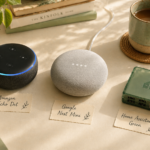
What you need to use it: a Zigbee coordinator. This is a small USB stick you plug into your HA hardware. The most popular ones are the Home Assistant SkyConnect / Connect ZBT-1 (~$40, official, supports both Zigbee and Thread), the SONOFF Zigbee 3.0 USB Dongle Plus (~$30, the community favorite), and the Conbee II (~$55, long-running option). Pick the SkyConnect if you want future Matter/Thread support without buying a second stick later.
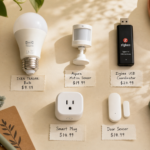
Price range on devices: cheap. Zigbee bulbs start around $7 (Sengled), motion sensors around $12 (Aqara), door sensors around $10. Ikea TRÅDFRI devices are budget-friendly and work well. Philips Hue is premium but still Zigbee under the hood.
Why it wins for beginners: it’s local (your data stays on your network), it’s inexpensive, the device library is enormous, and Home Assistant’s Zigbee integration (ZHA) or the community one (Zigbee2MQTT) are both rock-solid.
Z-Wave: the reliable old hand
Z-Wave is older than Zigbee, mesh like Zigbee, and arguably slightly more reliable at long range because it runs on a different radio frequency (908.42 MHz in the US, well below the 2.4 GHz Wi-Fi congestion).
What you need: a Z-Wave USB stick. The Zooz ZST10 700 Series (~$35) is the community pick. The Aeotec Z-Stick 7 is another common option. You cannot use the same stick for both Zigbee and Z-Wave. They’re separate radios.
Trade-offs: the device library is smaller than Zigbee, and devices tend to cost 20-40% more. Z-Wave locks and in-wall switches are genuinely good (many HA users run their deadbolts on Z-Wave). Z-Wave bulbs barely exist.
Who should buy Z-Wave: people adding smart locks or in-wall smart switches who want the reliability and range Z-Wave is known for. If you’re just buying bulbs and sensors, skip it.
Matter: the newest, the trendiest, still maturing
Matter is a 2022 standard designed to make smart home devices work across ecosystems. A Matter-labeled device should work with Apple Home, Google Home, Alexa, and Home Assistant, all at once.
What Matter actually is: a software standard that runs over existing networks, either Wi-Fi or a newer mesh radio called Thread. Thread is conceptually similar to Zigbee but built for Matter. Many newer devices are labeled “Matter over Thread,” which means they use Thread for radio and Matter for the software layer.
What you need: for Matter-over-Wi-Fi devices, nothing new. Your existing router handles it. For Matter-over-Thread devices, you need a Thread border router, which is built into many devices you might already own: Apple TV 4K (2021+), HomePod Mini, newer Amazon Echo models, and Google Nest Hub (2nd gen). The Home Assistant SkyConnect can also act as a Thread border router.
The honest current state: Matter is promising but the early adopters have had a rough time. Device support in Home Assistant is solid for basics (bulbs, plugs, locks) but inconsistent for fancier stuff. Firmware bugs are still common. It’s getting better quickly.
Who should buy Matter: people who want the same physical device to work across Home Assistant and another ecosystem (a partner who uses Apple Home, for example). Also good for people building a brand-new system in 2026 who want to future-proof.
Wi-Fi: the tempting default, but don’t
Wi-Fi smart devices seem like the easiest option. No hub, no coordinator, just plug it in and use an app.
What you’re actually signing up for: cloud dependency (most Wi-Fi smart devices require the manufacturer’s servers to work — if they go down, so does your device), Wi-Fi congestion (every additional device on your 2.4 GHz network competes with your laptop and phone), reboots whenever your router reboots, and frequent app updates from the manufacturer that can break integration with Home Assistant.
When Wi-Fi is fine: high-bandwidth devices that genuinely need it. Security cameras. Doorbells. Robot vacuums. These need more data than Zigbee or Z-Wave can handle anyway.
When Wi-Fi is a trap: bulbs, sensors, plugs, switches, buttons. Anything small and simple. The convenience isn’t worth the cloud dependency and the clogged router.
The honest downsides
Each protocol has real friction.
Zigbee devices from different brands sometimes fight each other. Most of the time it’s fine; occasionally a bulb will misbehave when paired with a competing brand’s sensor. The Zigbee2MQTT community is massive and the fixes are usually a forum post away.
Z-Wave has gone through three generations (300, 500, 700 series) and older devices don’t play perfectly with newer ones. Buy 700 series or newer when you can.
Matter breaks in new and creative ways every month. It’s getting better. Don’t buy exclusively Matter if you need something to Just Work today.
Wi-Fi? The cheap ones from Amazon are a gamble. Some are genuinely good. Many get abandoned by the manufacturer a year later, turning into expensive paperweights.
Who this is right for
If you’re standing at the bulb aisle, holding three boxes, and trying to decide, this guide is your shortcut. Buy Zigbee unless you have a specific reason not to. Add Matter alongside it if you have a partner in another ecosystem. Keep Z-Wave in your back pocket for locks. Avoid Wi-Fi for small stuff.
Who should wait
If you haven’t installed Home Assistant yet, or you haven’t figured out which hardware you’re running it on, go do those first. The protocol conversation makes a lot more sense once you have the hub in front of you.
Buy the USB coordinator. Buy one starter device. Pair it. Watch it show up in Home Assistant. That’s the moment the protocol debate stops being theoretical.
What to read next
- Your first 5 Home Assistant automations — once you have a few Zigbee devices paired, this is how you make them useful.
- What integrations should you add first? — the cross-ecosystem piece, especially relevant if you’re weighing Matter.
- Replacing your Ring subscription with Home Assistant — coming soon. A concrete case study in Wi-Fi-vs-local tradeoffs.