You set up the automation. When everyone leaves home, turn off the lights and lower the thermostat. For three days it works. Then on day four, it fires while you’re standing in the bedroom. The lights go off. The dog looks confused. You check your phone: yep, somehow it thinks you left, even though you’re staring at it.
So. How do you make Home Assistant presence detection actually reliable, instead of an automation that misfires every few days?
The short answer: you stop relying on a single source. Phone GPS alone is the most common reason presence detection fails. The fix is to layer two or three signals together so any one of them being briefly wrong doesn’t blow up your automations. This guide walks through what each source is, when each one fails, and how to combine them.
The 30-second version
Don’t rely on phone GPS alone. Set up your Home Assistant Companion app (GPS), plus router-based detection (most routers can report which phones are on Wi-Fi), and combine the two into a single “Person” entity. For really stubborn cases, add Bluetooth beacons or ESP-based BLE detection for room-level accuracy. Three layers covers 99% of cases. Your automations stop misfiring.
Why phone GPS alone fails
GPS on a phone is approximate. When you’re outside with a clear sky, it’s accurate to within a few meters. Inside a house, especially in a basement or a city apartment with a metal roof, it can drift by hundreds of meters.
Worse, modern phones aggressively manage battery by suspending location updates when the phone has been idle. If your phone hasn’t moved in 15 minutes and the OS decides to nap, Home Assistant might not get a fresh location until you next pick the phone up.
What you see in practice:
- The automation fires while you’re at home but the phone hasn’t pinged location recently.
- The automation fails to fire when you actually leave because the OS held the update.
- Your partner’s phone reports “home” while they’re actually two miles away because their phone is in “low-power location” mode.
- You drive past your house and the geofence triggers a “welcome home” automation by accident.
The fix is not to abandon GPS. GPS is the best long-range signal you have. The fix is to combine it with at least one other source that GPS can’t fool.
Layer 1: Home Assistant Companion app (do this first)
Every household phone needs the Companion app installed and logged in. This is the baseline.
In the app: Settings → Companion app → Location Tracking. Turn on:
- Location sent on background updates (this is the workhorse)
- Significant location updates (lightweight, battery-friendly)
- High accuracy mode in zones (turns on more precise tracking when near home)
On Android: also enable “exempt from battery optimization” so the OS doesn’t suspend the app. On iOS: grant “Always” for location and “Always on” for background app refresh.
Once configured, each household phone shows up in Home Assistant as a device_tracker.firstname_phone entity. You’ll combine these with other sources in a minute.
Layer 2: Router-based detection
Your Wi-Fi router knows exactly which phones are connected to your network. This is brutally reliable, because it doesn’t care about GPS, battery, or app state… if the phone is on your Wi-Fi, you’re home. If not, you’re not.
Whether you can use it depends on your router brand:
Easy to integrate:
- UniFi (any UniFi Dream Machine, UniFi gateway, or Cloud Key): native HA integration, gives you live device tracking, signal strength, and history. Settings → Devices & Services → Add → UniFi.
- ASUS routers running AsusWRT or Merlin: native integration, works well.
- OPNsense / pfSense: community integrations available, work well after a small config step.
- TP-Link Deco, Eero, Google Wi-Fi (Nest Wifi): mixed. Some support API access, some require third-party hacks.
Hard or impossible:
- ISP-provided combo modem/routers (Xfinity, Spectrum, etc.) usually don’t expose any API. Workaround: put a real router behind the ISP box and use that for HA tracking. Or skip this layer and rely on the other two.
Generic fallback: the Nmap Tracker integration scans your network looking for known MAC addresses and reports whether each one is online. Works with any router but is slower and slightly less reliable. Useful as a last resort.
Once a router integration is set up, each phone gets a second device_tracker.firstname_phone_wifi entity. Wi-Fi presence updates within seconds when a phone disconnects, much faster than GPS catches the same event.
Layer 3: Bluetooth (for room-level accuracy)
If you want to know which room someone is in, not just whether they’re home at all, Bluetooth Low Energy (BLE) is the only practical approach.
Two paths:
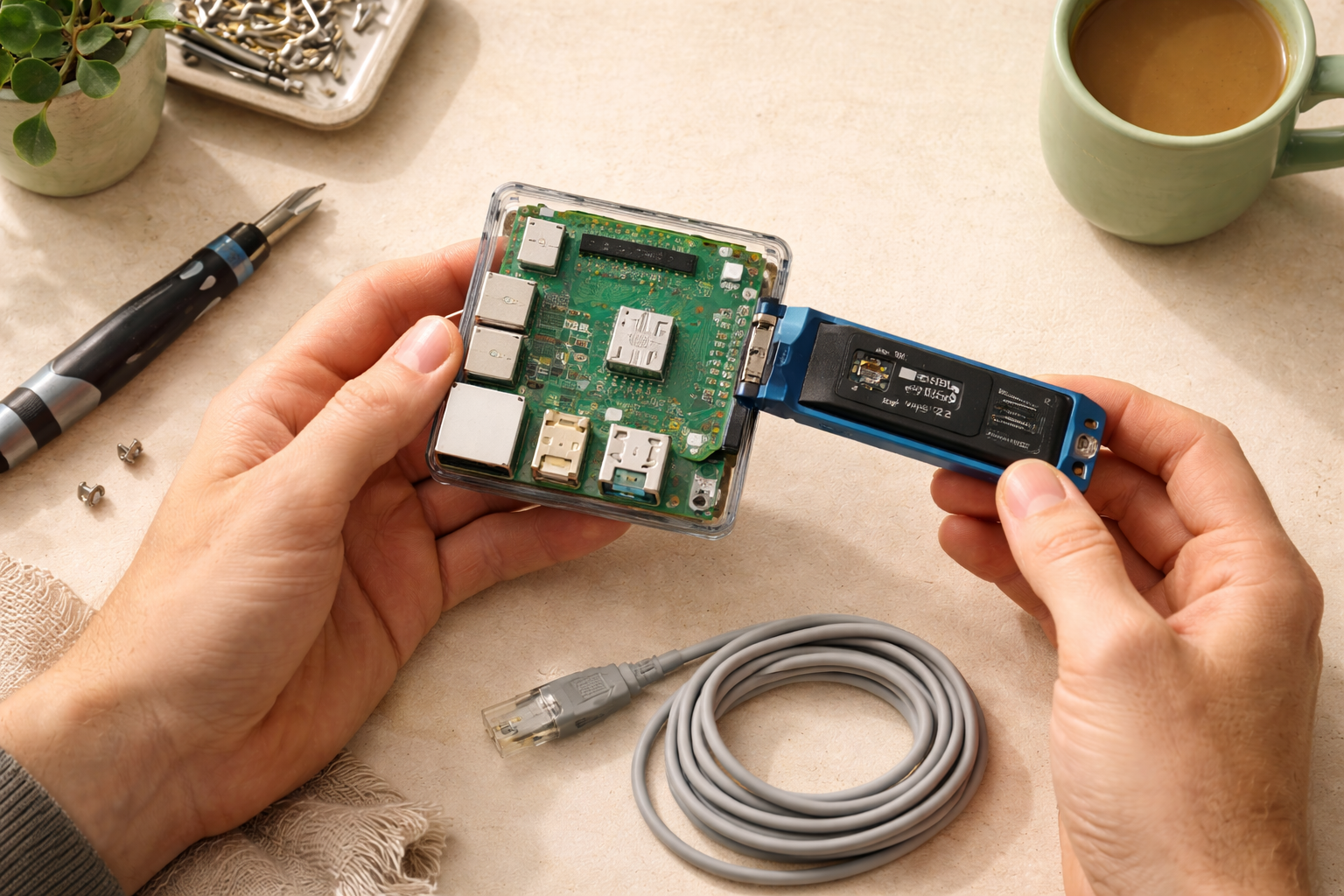
Simple: Bluetooth proximity via Companion app + ESP devices. Plant cheap ESP32 boards in 3-5 rooms running ESPHome firmware. They listen for your phone’s BLE signature and report to HA. The new Bermuda BLE Trilateration integration uses signal strength from multiple ESPs to estimate which room you’re in.
Hard: BLE beacons. Carry a Tile or a custom BLE beacon. ESPHome detectors at each room report the strongest signal. Roughly the same outcome but requires you to carry a separate device.
For most beginners: skip this layer until your automations require it. Knowing whether someone is home is enough for 90% of automations. Knowing whether someone is in the living room matters only when you start building room-aware automations like “turn off the TV when nobody’s in the room.”
Combining sources: the Person entity
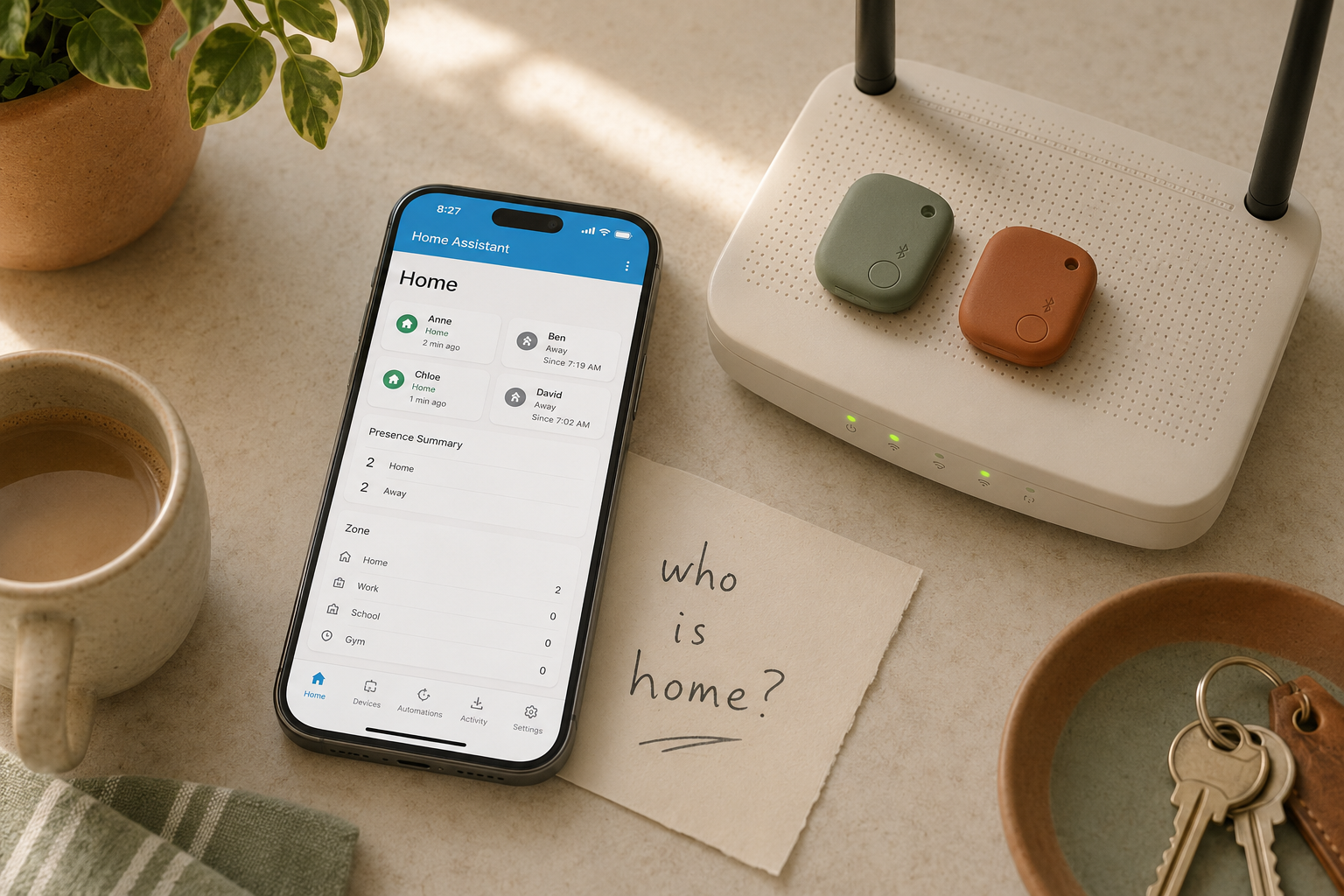
Home Assistant has a person entity type built for exactly this. It’s a wrapper that combines multiple device_trackers into one logical “is this person home?” answer.
In HA: Settings → People → click your name → “Add a tracking device.” Add both the Companion app tracker and the router tracker.
The person entity is home if any of its trackers report home. So if your phone GPS briefly drifts and reports away but your phone is still on the home Wi-Fi, the Person entity stays home. Three days a month of false-positive misfires becomes about zero.
Use the Person entity in your automations, not the individual device_trackers. Trigger on person.chris becoming not_home and you’re getting the combined signal.
Zones
A “zone” is a defined geographic area. Home Assistant ships with one zone called home, centered on your house, with a 100m radius (configurable). You can define more zones (work, school, the cabin, the kids’ soccer field) the same way.
When a Person enters a zone, automations can fire. The welcome home automation we cover in first automations is just “when person enters the home zone after sunset.”
A common gotcha: the default 100m radius is sometimes too tight. If your driveway is long or your house has metal siding, GPS drifts in and out of the zone repeatedly, which fires “welcome home” and “goodbye” automations multiple times. Fix: expand the radius to 150-200m. Settings → Zones → home → Radius.
The “guest” problem
What happens when a guest visits? Their phone isn’t tracked, so Home Assistant doesn’t know they’re there. If your “everyone leaves” automation only checks your household’s Person entities, leaving the house with a guest still inside will turn off all the lights. Awkward.
Two fixes:
- Manual override: add a dashboard toggle called “Guest mode.” Flip it on when guests arrive. Automations check
input_boolean.guest_modeas a condition before firing. - Network watcher: use Nmap or your router integration to detect unknown devices. If an unknown phone is on your Wi-Fi, treat the house as occupied.
The manual toggle is the simpler, more reliable path. Most HA users just have a “Guest Mode” button on their dashboard.
Honest downsides
A few things to know.
Battery cost of high-accuracy GPS is real. With Companion app’s full location features on, expect 3-7% additional battery drain per day. If that’s a problem, dial down to significant-location-only updates and lean harder on router-based detection.
Router detection is dependent on phone Wi-Fi behavior. Many phones go into deep sleep with Wi-Fi disabled, which can briefly show “away” even when the phone is sitting on the bedside table. The Person entity smooths this out, but expect occasional 30-second flickers.
Bluetooth setup is a project. If you’re attracted to room-level presence, expect a Saturday afternoon of flashing ESPHome to 3-5 ESP32 boards, mounting them around the house, and tuning the Bermuda thresholds. Worth it if you want this badly. Overkill if you don’t.
Who this is right for
If your “everyone leaves” automation has misfired even once, this guide is the fix. Spend 30-45 minutes setting up the Companion app + router layer and combining them with a Person entity, and your automations stop being theoretical and start being reliable.
Who should wait
If you haven’t installed Home Assistant or you haven’t added your first integrations, come back after those. Presence detection without a working HA install is a non-problem.
If you haven’t built any presence-dependent automations yet, also wait. The motivation to do this is “my automation misfired and I’m annoyed.” Without that motivation, you’ll burn the weekend tuning thresholds for no reason.
What to read next
- Your first 5 Home Assistant automations — three of those automations depend on presence detection. Make them reliable.
- What integrations should you add first? — the Companion app setup that everything in this guide depends on.
- 80+ automation ideas — filter by “phone” device type for automations that use presence detection.